

Localization
With traditional app development, localizing your app takes a considerable amount of effort. Glide makes this process automatic, so you don’t have to worry about translating all the elements within your app.
Localization is available in the Layout Editor and when users view a live app on a device. Localization features do not appear in the Data or Workflow Editors.
Glide does not offer a native option to change the language. The language of your app adjusts according to the language settings on your device.
Examples
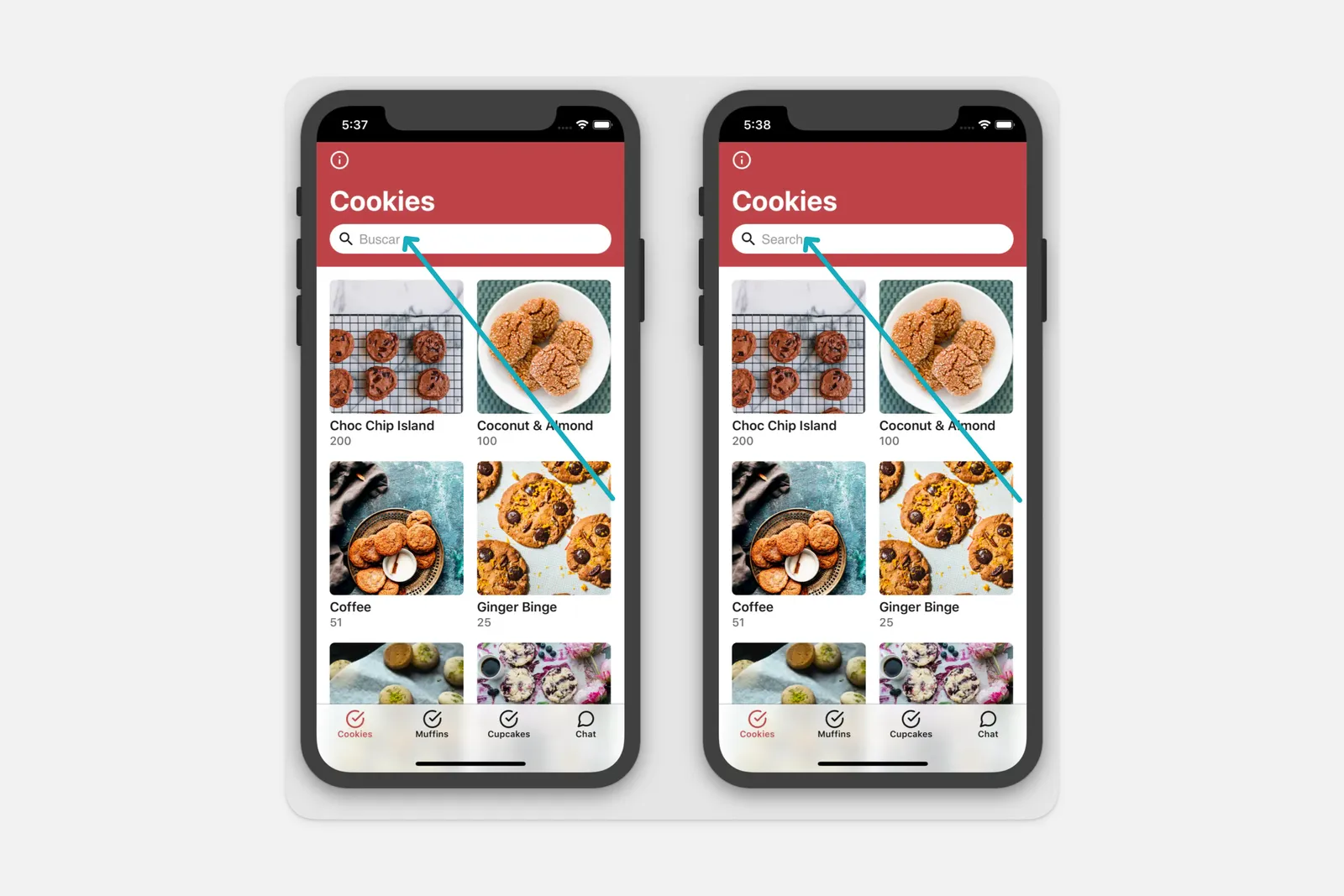
The example below shows that only the search bar placeholder text is translated, while the rest of the content remains the same.
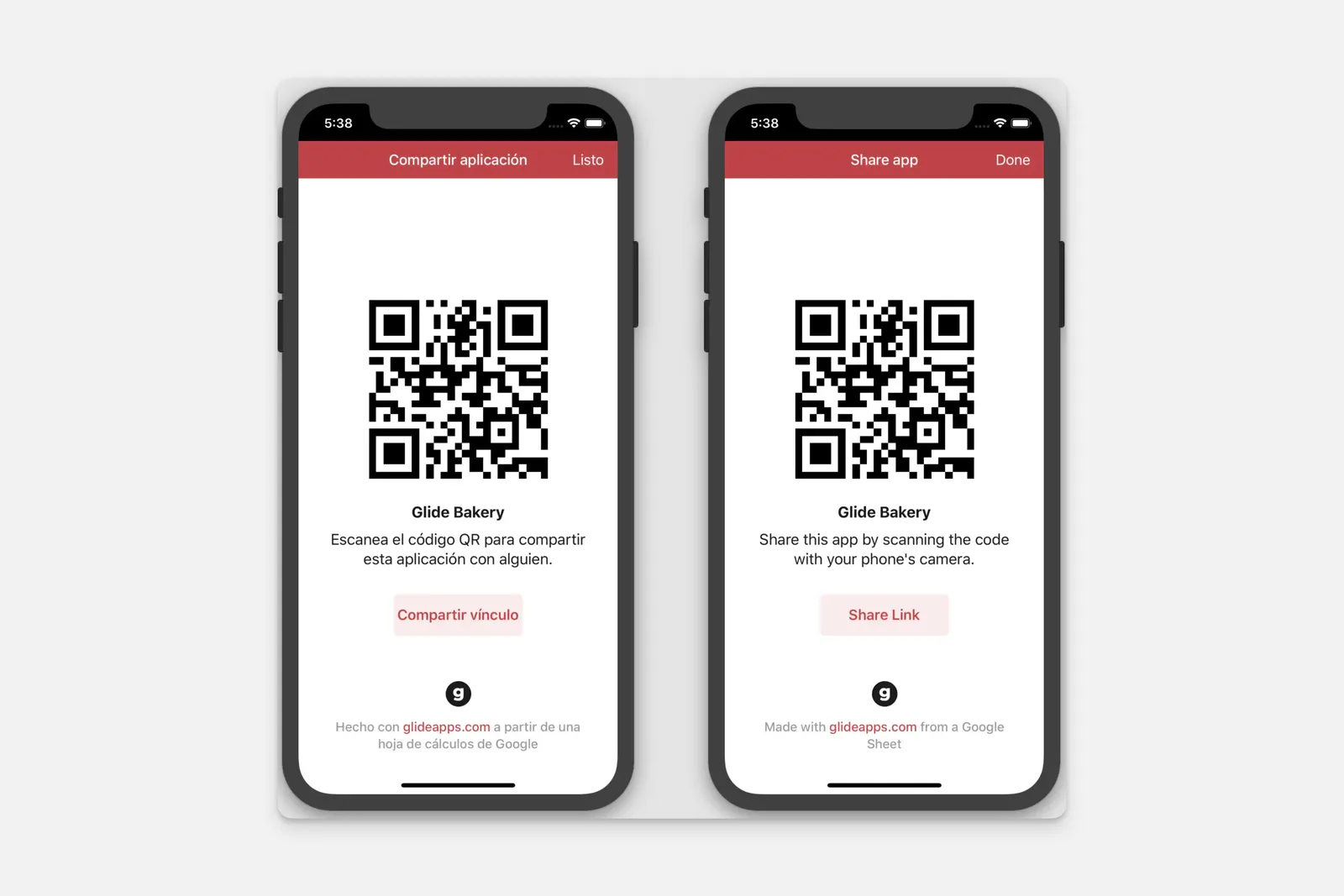
In this image, the app is live. The Info screen’s buttons, title, and content are automatically translated.
Supported languages
Here’s a list of languages in which Glide apps are available at the moment:
- English (US)
- English (GB)
- English (Australian)
- English (Canadian)
- Arabic
- Bengali
- Brazilian Portuguese
- Catalan
- Croatian
- Czech
- Danish
- Dutch
- Estonian
- Finnish
- French
- Galician
- Georgian
- German
- Hebrew
- Hindi
- Hungarian
- Indonesian
- Italian
- Japanese
- Kannada
- Korean
- Latvian
- Norwegian
- Polish
- Portuguese
- Romanian
- Russian
- Simplified Chinese
- Slovak
- Slovenian
- Spanish
- Swedish
- Traditional Chinese Taiwan
- Turkish
- Welsh
- Yoruba
Submitting a new language
If your language isn’t listed above and you want to volunteer to provide a different localization, please contact Support at support@glideapps.com.
Frequently Asked Questions
Do you support right to left (RTL) languages?
Partially, yes. Glide will render many different parts of a project with RTL text. However, not all parts of the UI support this at present.