

Delete User Data
Learn how to delete user data securely.
If you need to delete a particular user’s data you can use the User Data Deletion feature in the Data Settings area.
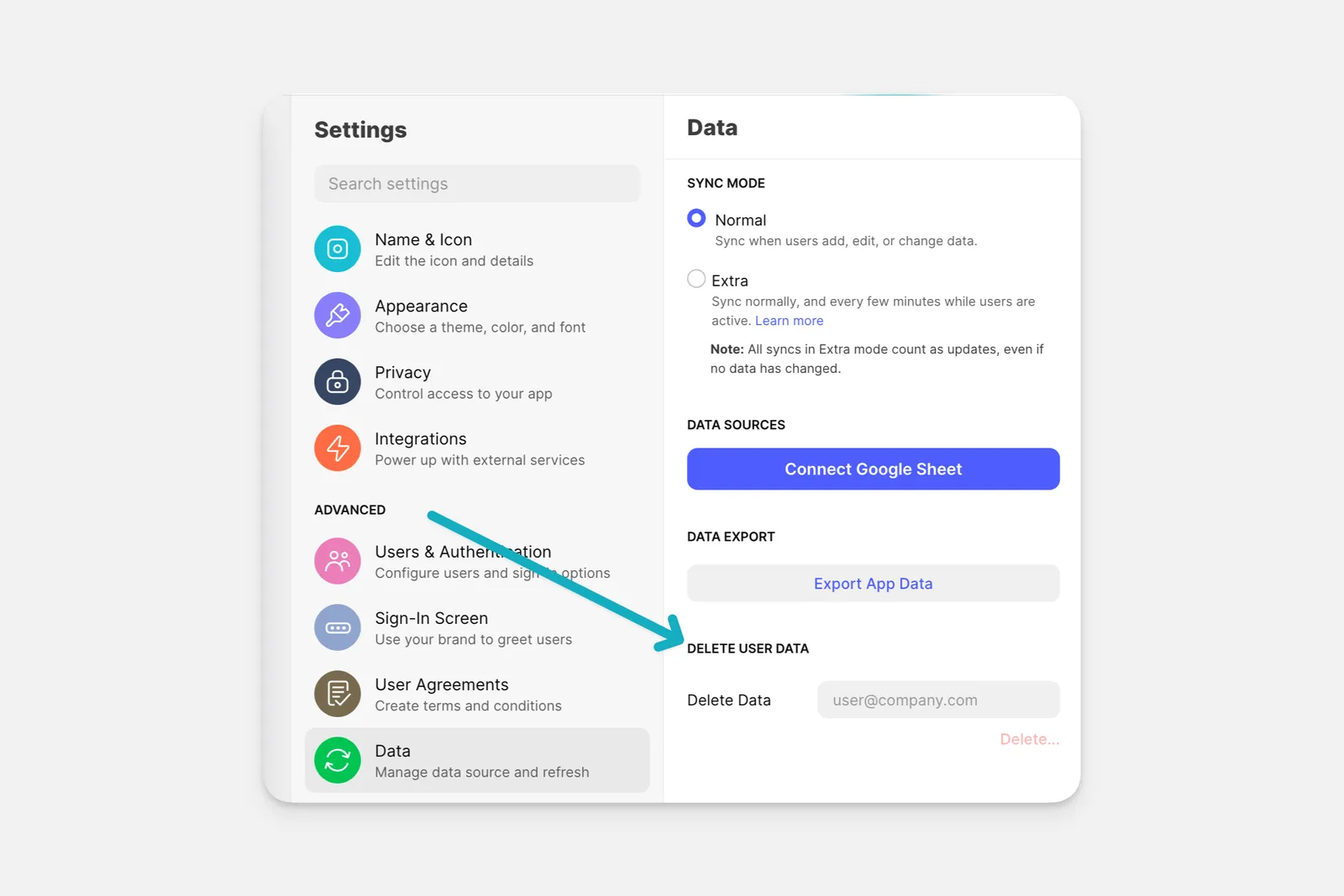
Entering a user’s email will delete user-specific data, comments, favorites, login records, and other data pertaining to this user. You still need to remove this user’s data from your sheets and tables. You can do this in the Data Editor or directly in your Data Source.
Deleting user data
Deletion is permanent and cannot be undone.
Frequently Asked Questions
Will deleting user data help me be GDPR user compliant?
Yes, deleting end user data when requested is part of GDPR compliance. Glide developers can also submit deletion or export requests via glideapps.com/rights.
You can read more about Glide’s approach to GDPR compliance here.