

Device Info
Device Info lets you retrieve information about the user’s device. For example, you could work out their screen size, whether they are on Android or iOS, or what browser they are using.
You can then use that information as simple analytics in your database to see how your users interact with your app—or use Conditions to show different things.
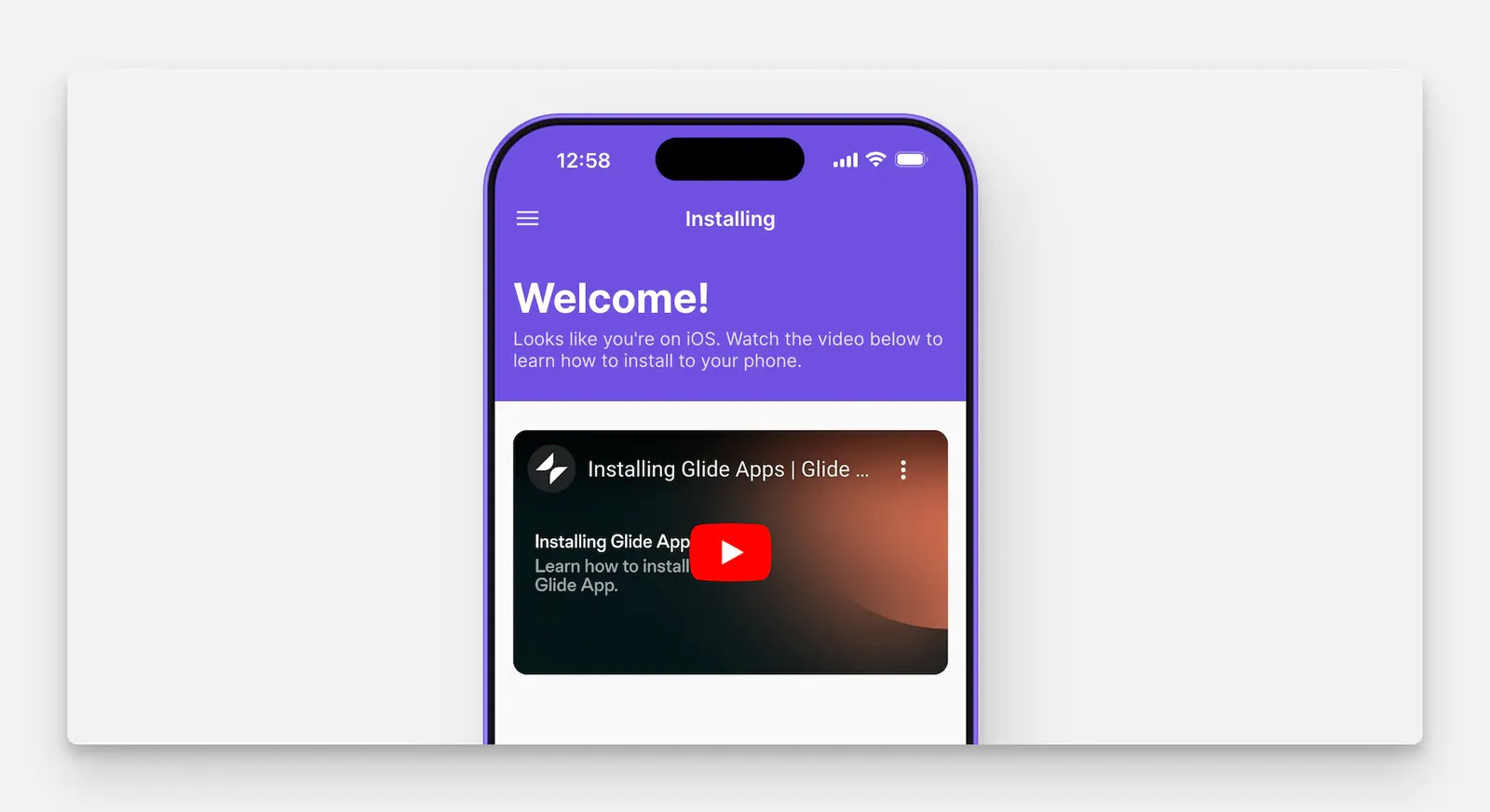
For example, in the welcome screen below, install instructions are shown based on the fact the user is viewing on iOS.
Adding and Configuring the Integration
Navigate to the Integrations tab and then select Device Info.
Features
The Device Info integration has only one feature: Get device info. It can be used as an Action, or as a Computed Column. The following device attributes are available:
DeviceTypeBrowserNameBrowserVersionDeviceBrandDeviceNameGpuIsTouchScreenOsNameOsVersionScreenDensityScreenHeightScreenWidthWindowHeightWindowWidth
Not all devices will support all device attributes. Some devices may only support some, and this will vary from device to device.
As a Computed Column
Device info can be used in the Data Editor as a Computed Column found in the group of columns called Integrations. When added as a column, the device info attribute will be applied to all rows in the table.
It’s important to note that when used as a Computed Column, the value returned will only be available to the current user. If you want to gather information about all of your users’ devices, then you should use it as an Action, so that the results are stored in Basic Columns.
As an Action
To learn more generally about Integrations in Glide, including how they affect your app’s usage, check out our Introduction to Integrations.
Click on the plus (+) sign in the Components panel and select the Component you want to trigger the action.
Frequently Asked Questions
Is the Device Info integration free?
Yes! All plans have access to this integration.