

Open Address on Map
Trigger the device's default map application.
The Open Address on Map action allows users to open an address in their default map application on a mobile device, and in their default browser on a desktop device.
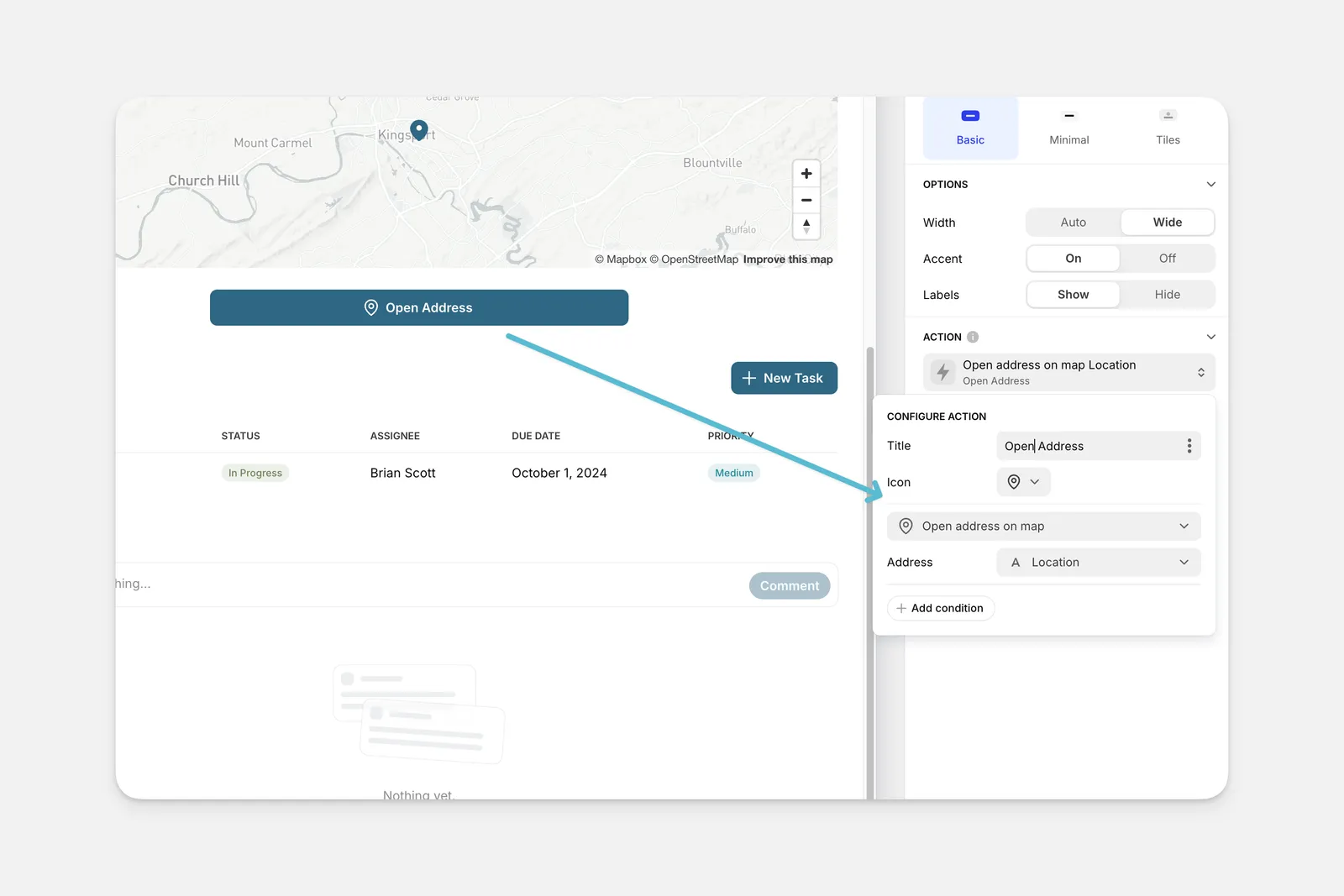
The Open Address on Map action can be used as an action in the components of your app (like Buttons, Collections, and much more), or it can be triggered along with other actions as part of a Workflow.
Setting up the Open Address on Map Action
Layout Editor
Workflow Editor
Click on the plus (+) sign in the Components panel and select the Component you want to trigger the action.
In the General tab on the right side of the Layout Editor, navigate to the Actions section and select Open address on map.
Check the Introduction to Actions page for a full list of components that can be used to trigger actions.