

Copy to Clipboard
Copy a value to the user's clipboard.
The Copy to Clipboard action copies a value to the user’s clipboard.
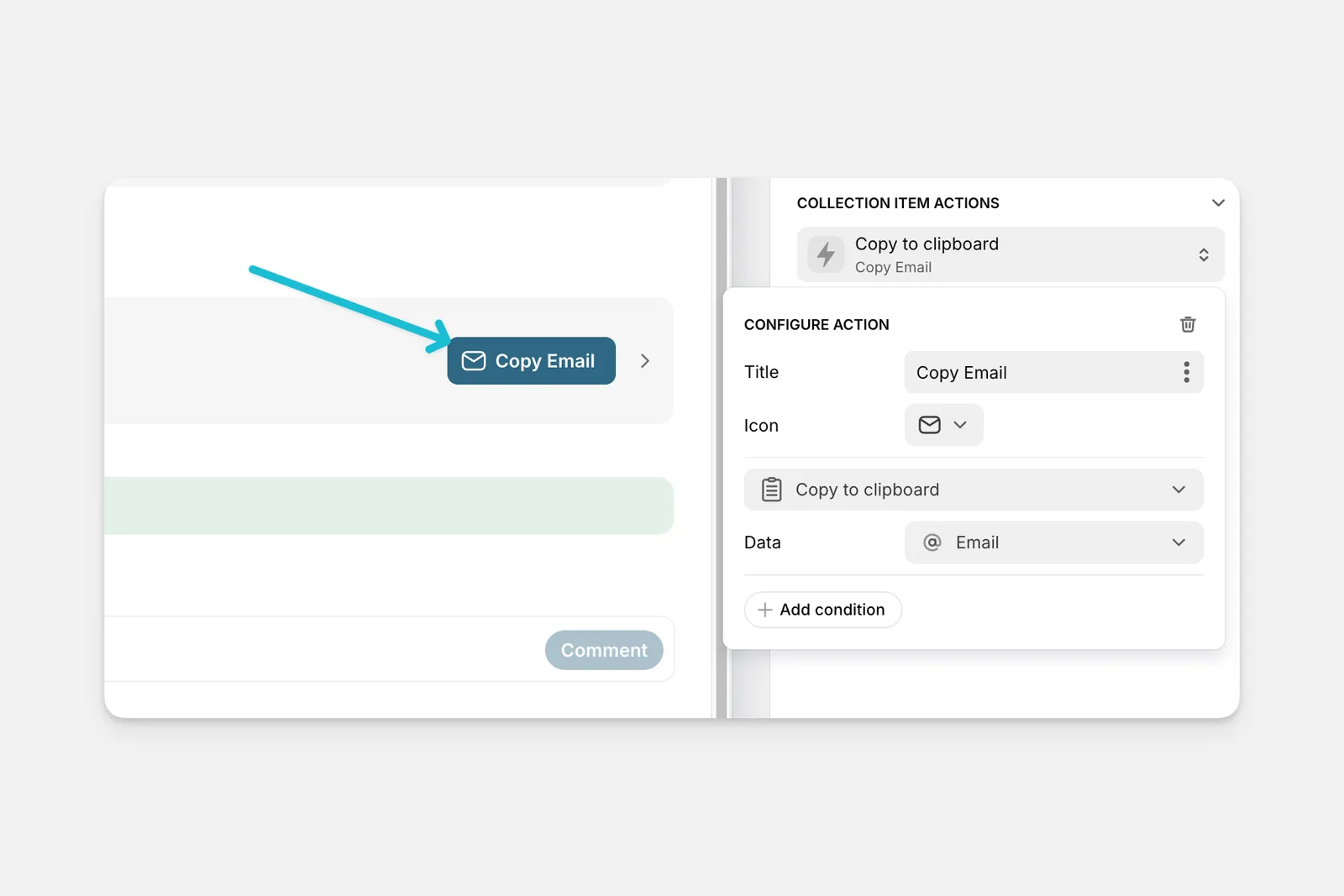
The Copy to Clipboard action can be used as an action in the components of your app (like Buttons, Collections, and much more), or it can be triggered along with other actions as part of a Workflow.
Setting up the Copy to Clipboard Action
Layout Editor
Workflow Editor
Click on the plus (+) sign in the Components panel and select the Component you want to trigger the action.
In the General tab on the right side of the Layout Editor, navigate to the Actions section and select Copy to clipboard.
Check the Introduction to Actions page for a full list of components that can be used to trigger actions.