

Map
Display multiple addresses as an interactive map.
The Map component displays address data as an interactive map in your app, dropping a pin on as many locations as you choose.
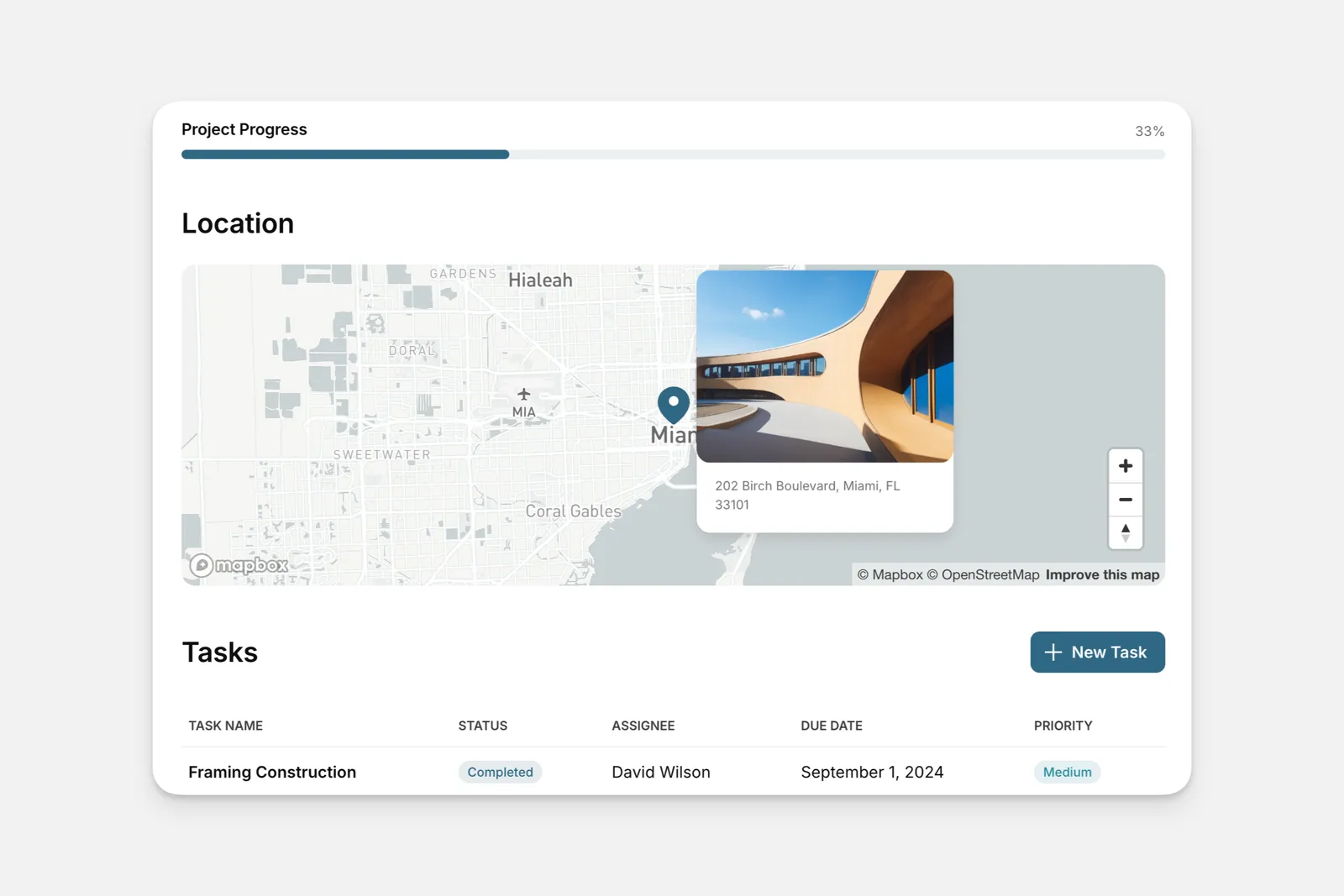
Adding and Setting Up the Map component
In the Layout Editor, select the tab you want to edit.
Click on the plus (+) symbol in the Components panel.
Adding Actions to a Map Component
You can trigger Actions in two areas of the map component: the Title Bar action and the Item Click action.
Title Bar Action
You can add as many actions as you’d like. Additional actions will be displayed as a secondary button or in the dropdown section of the title bar.
Item Click Action
The Item Click Action triggers when a pin is selected.
Frequently Asked Questions
How can I reduce map pins if I have over 1,000?
We recommend filtering to reduce the pins and show only those that are needed in a particular map view.