

Checkbox and Switch
Change true-false values.
The Checkbox and Switch components allow you to toggle boolean values in your data source.
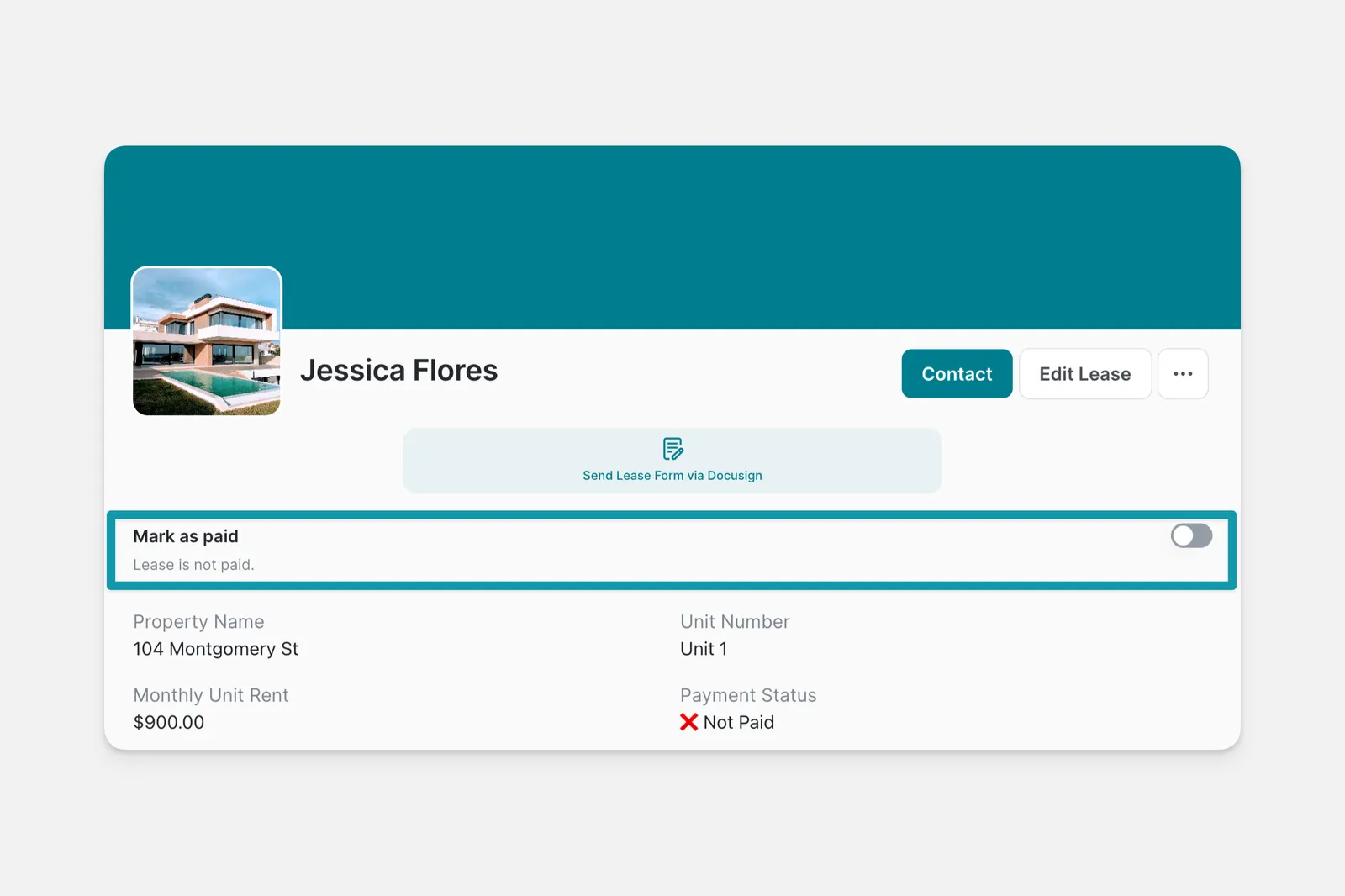
Adding and Setting Up the Checkbox and Switch Components
In the Layout Editor, select the tab you want to edit.
Select a column in your Data Source to write the value to.
If you like, you can change your component from Checkbox to Switch (and vice versa) in the configuration panel on the right side of the Layout Editor.