

Go Back
Move the user back to whatever screen they were on before.
The Go Back action works exactly like the back button in the corner of an app. It moves the user back to whatever screen they were on before.
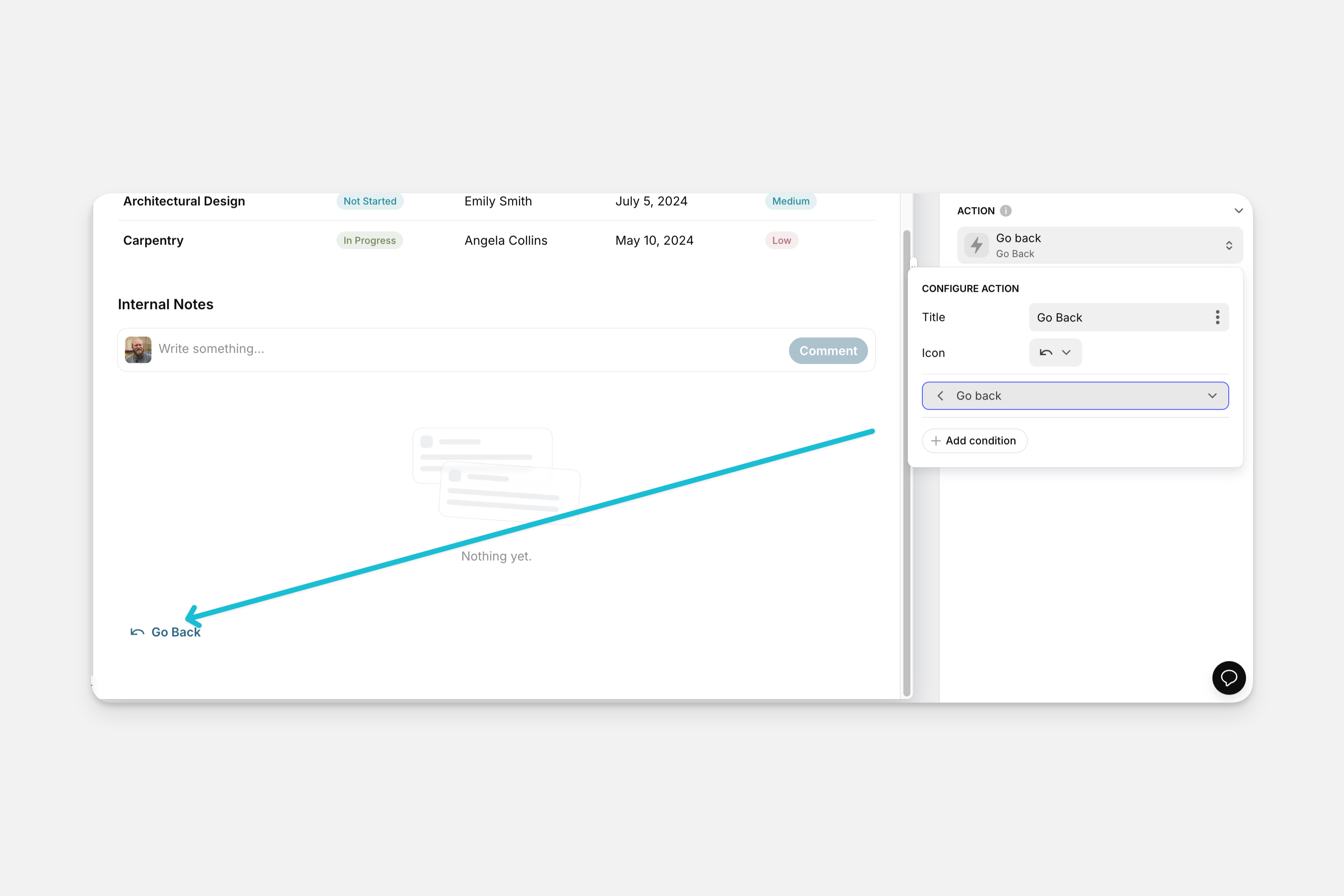
The Go Back action can be used as an action in the components of your app (like Buttons, Collections, and much more), or it can be triggered along with other actions as part of a Workflow.
Setting up the Go Back Action
Layout Editor
Workflow Editor
Check the Introduction to Actions page for a full list of components that can be used to trigger actions.