

Hint
Emphasize important text.
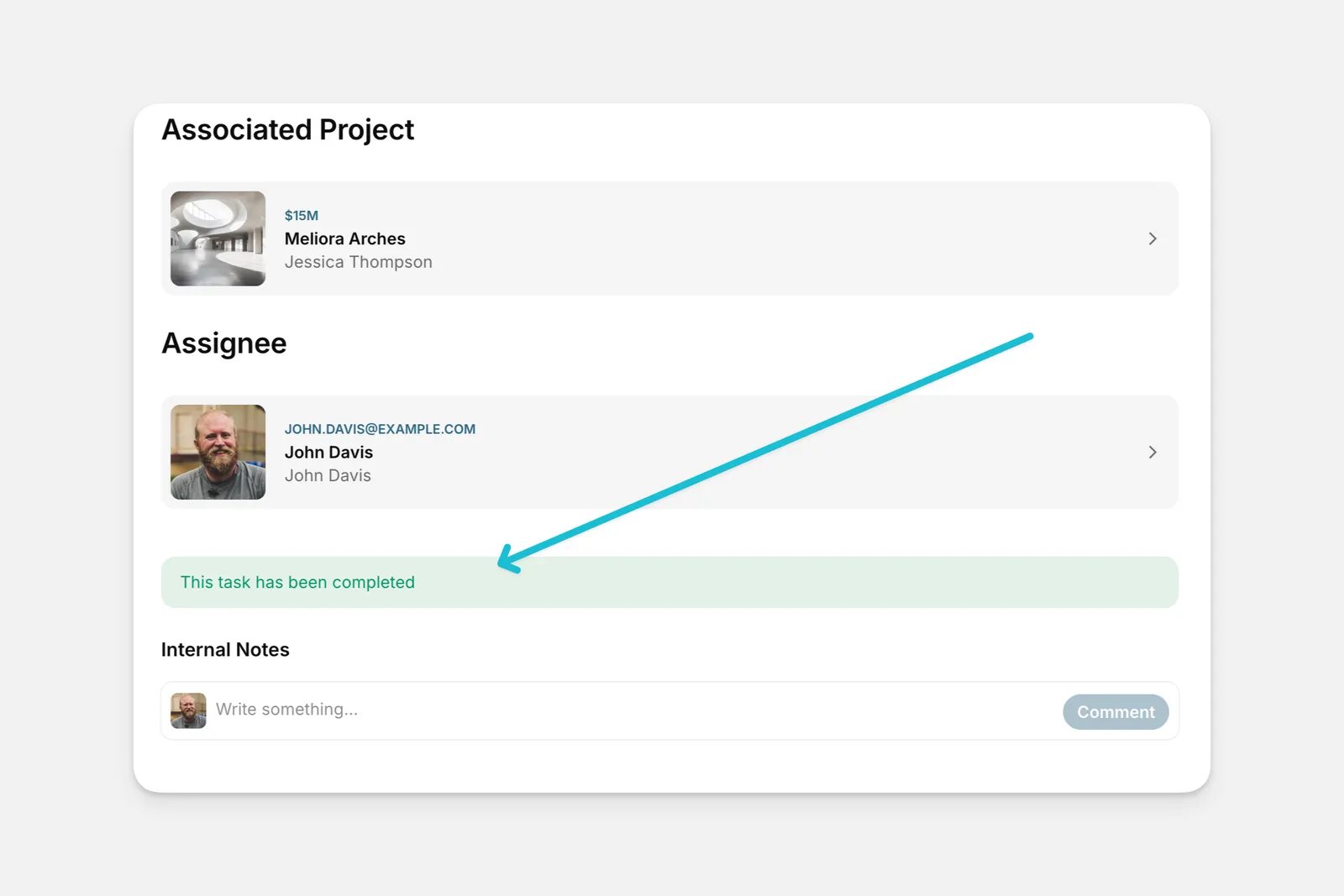
The Hint component highlights important text on the screen.
Adding and Setting Up a Hint Component
In the Layout Editor, select the tab you want to edit.
Click on the plus (+) symbol in the Components panel.
Adding Actions and Workflows to a Hint
You can set an Action or Workflow to trigger when users click on the button inside the Hint component. You can choose from any of the actions available in Glide, or you can create a workflow.