B2B CRM Software
Build custom B2B CRM software with AI
Tailor your B2B CRM software to fit your unique business needs and streamline client interactions with ease. No coding required.
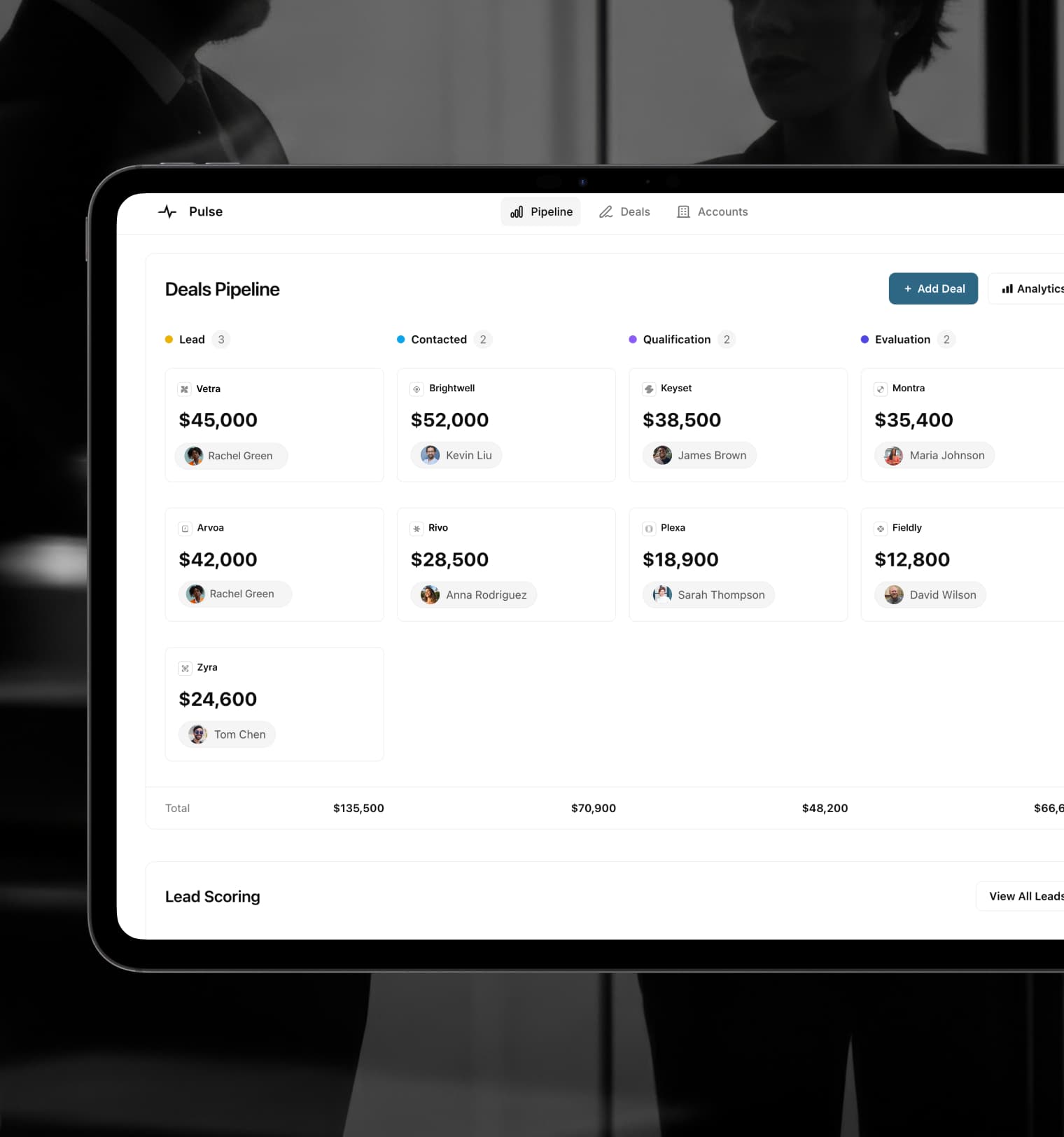
Tailor your B2B CRM software to fit your unique business needs and streamline client interactions with ease. No coding required.
Over 100,000 high-performing companies



























Spreadsheet and SQL integrations
Glide connects to your business data wherever it lives, from spreadsheets to SQL databases, so your B2B CRM software stays in sync.
Powerful components
Customize the look and feel of your B2B CRM software using 40+ pre-built components for charts, tables, lists, and more.
Looks great on any device
Glide apps are mobile-friendly, ensuring your B2B CRM software looks beautiful and is accessible on any device.
Glide AI
Use AI to analyze, extract, and generate business content—so you can make smarter, data-driven decisions faster.
Secure access controls
Define granular roles and permissions to precisely control who can access, view, and interact with your app's data.
Custom workflows
Automate time-consuming processes, like approvals, data entry, notifications, onboarding, and report generation—without writing code.
Glide protects your critical data through enterprise-grade security controls and compliance with the industry's strictest security standards
View Trust CenterCustomer Story
"Our Glide CRM app pulls in inventory stock levels, Zendesk support tickets, customer account reviews, and more—allowing anyone in the company to see the health of a particular prospect or customer."

Albert Tsai
SVP of Operations and Customer Success at Catapult Sports

Use the app each week across operations, sales, and customer success teams.
In Salesforce licenses by building a custom CRM solution with Glide instead.
Expand your app’s capabilities with native integrations to 50+ platforms—connect your tools, sync data, and automate tasks.
Explore integrations






“Glide revolutionized the way my team works and collaborates.”
Glide is rated 4.7/5 stars on 810+ G2 reviews.
See what they're sayingGlide is so satisfying to use that you'll want to implement it in everything you do.
Adam S.
With or without technical knowledge, Glide allows anyone to build exactly what they need.
Nick D.
Glide is infinitely adaptable to different use cases, and I've only just begun to tap them.
John M.