


Functions: -Cashier -Purchase Log -Calculator
Cashier: Click on the digits to enter a value. Details are written on the page.
Purchase Log: To summarise the purchase log of the cashier. Records the time of purchase and the purchase amount.
Calculator: Includes a calculator widget that can be used to calculate the sum of the products price.
More features can be added by remixing the template*.
*Please credit us before remixing the template.
Maker
Made by KC’s Team
Data Sources
Categories
Resources
How the template works
1
Click 'Build in Glide'
This opens Glide with a ready-made prompt describing this app. If you don't have an account, you will be prompted to create one for free.
2
Let Glide build it
Review the prompt, adjust it if you like, and Glide builds a working first version of the app for you.
3
Publish your app
Once you've customized the app to your needs, you can one-click publish it and begin inviting users immediately.
More templates like this



The no code platform for work software.
With Glide, you can quickly create custom apps that make your business more efficient—without writing a single line of code.

Intuitive builder. Glide's drag-and-drop builder makes it easy to create a sophisticated app quickly, without any coding or design skills.
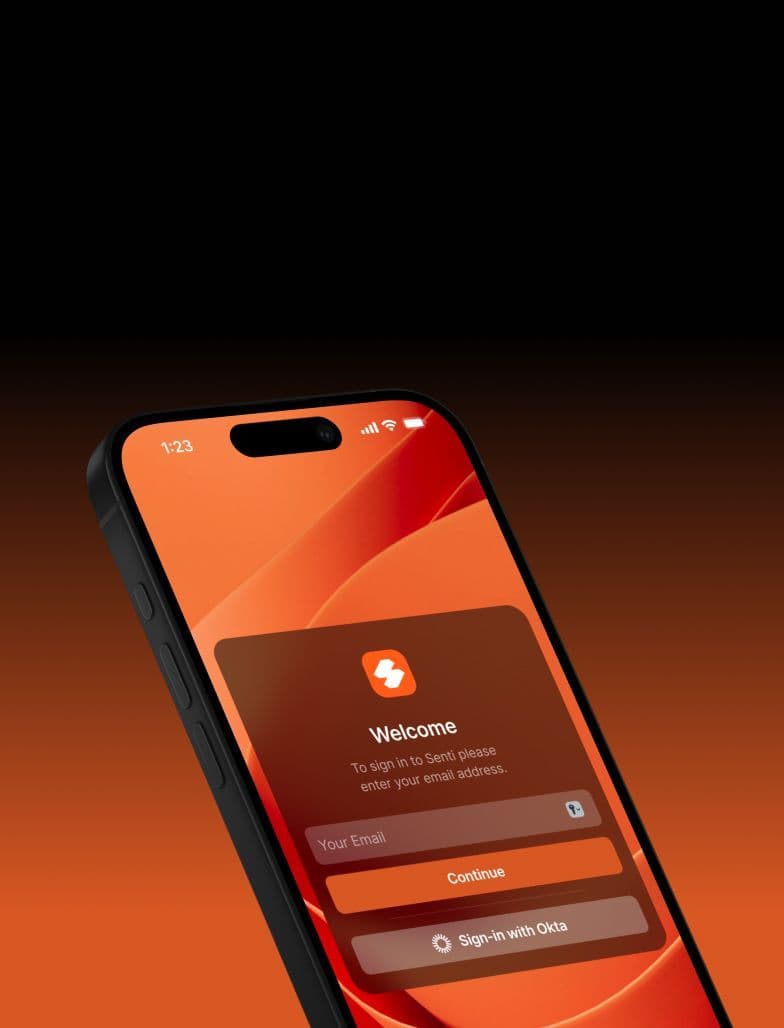
Modern UI. Glide’s automated design system is crafted with high-quality themes, layouts, and components that are continually updated to stay modern.
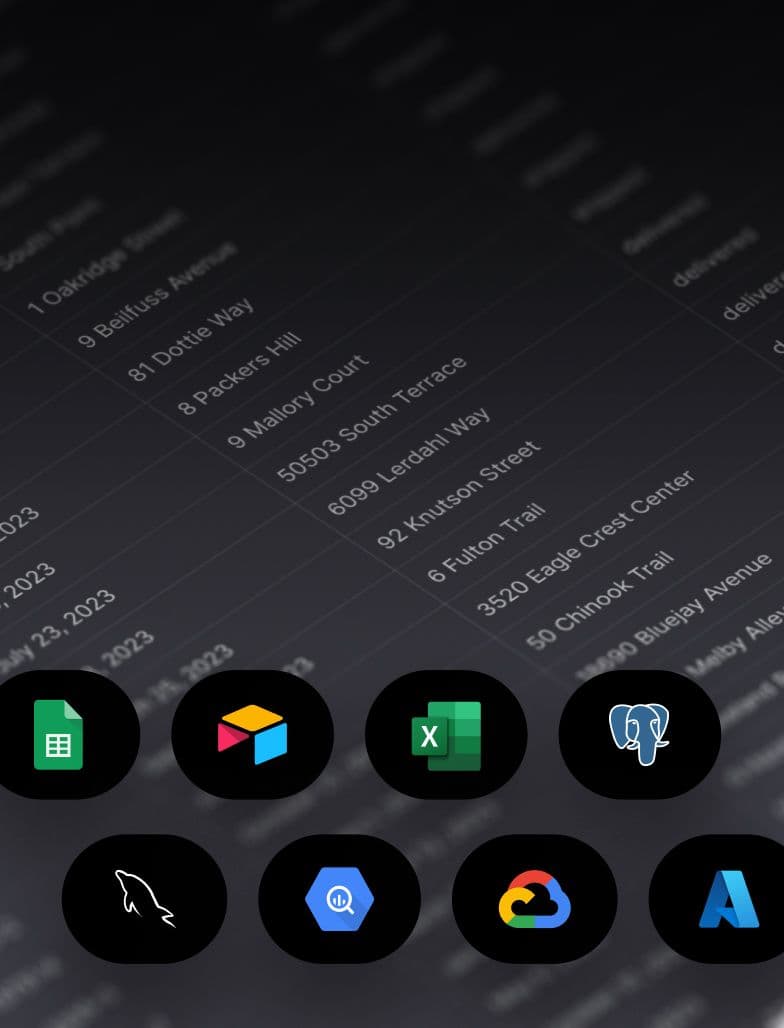
SQL support. Connect your SQL databases and build powerful tools and apps on top of your existing data.
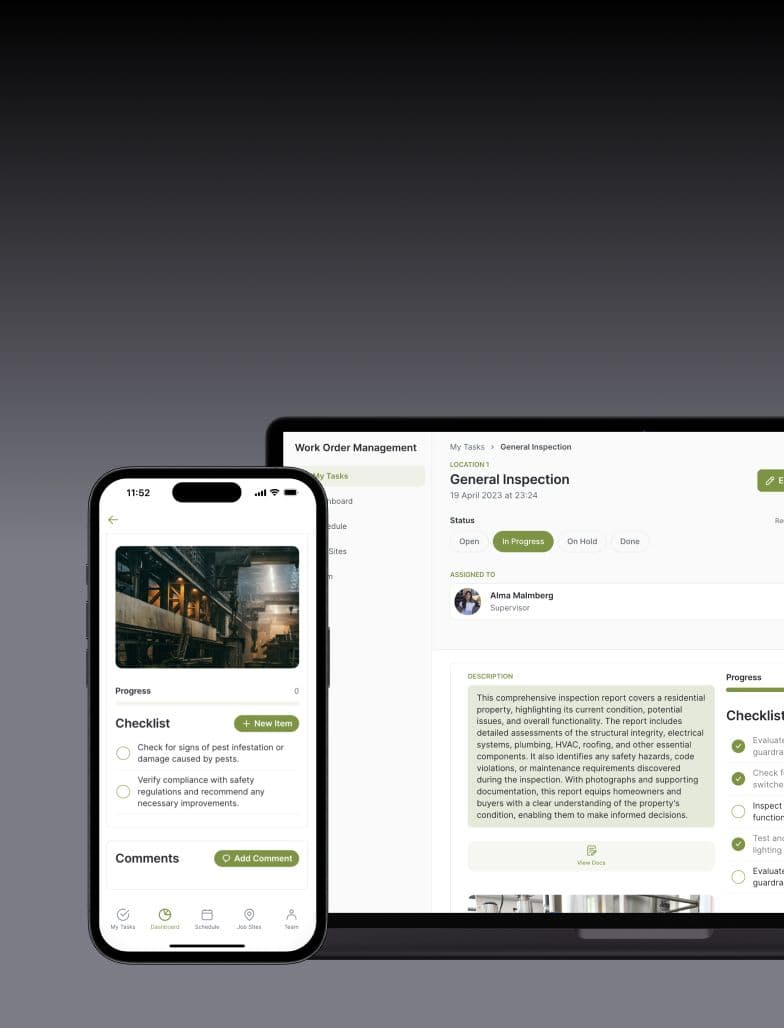
Adaptive design. Glide apps are optimized for both desktop and mobile breakpoints, ensuring a consistent UX across devices.
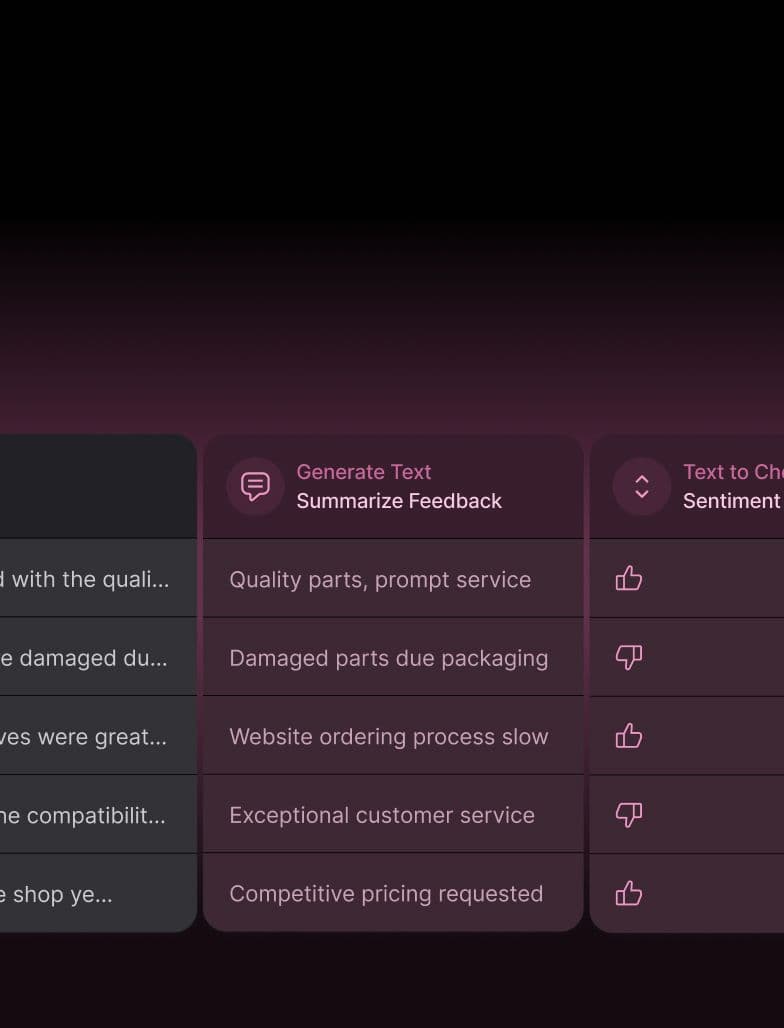
Powerful AI. Automatically generate customer emails, extract text data from manuals and receipts, and more with Glide AI.