

Charts
The Chart component provides many options for visualizing data from your app. Glide supports eight different kinds of charts:
Bar: A standard bar chart that can have multiple values.
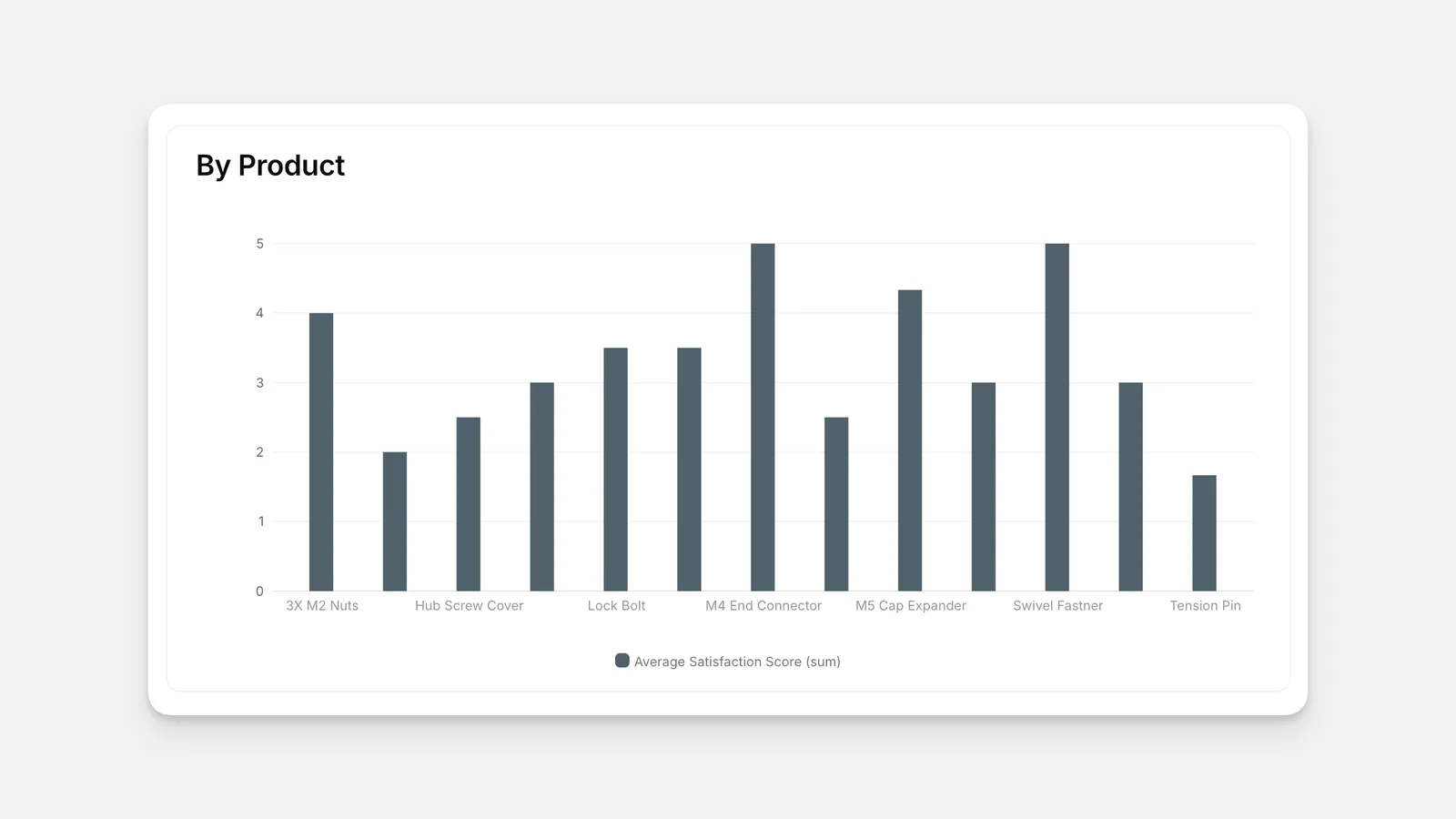
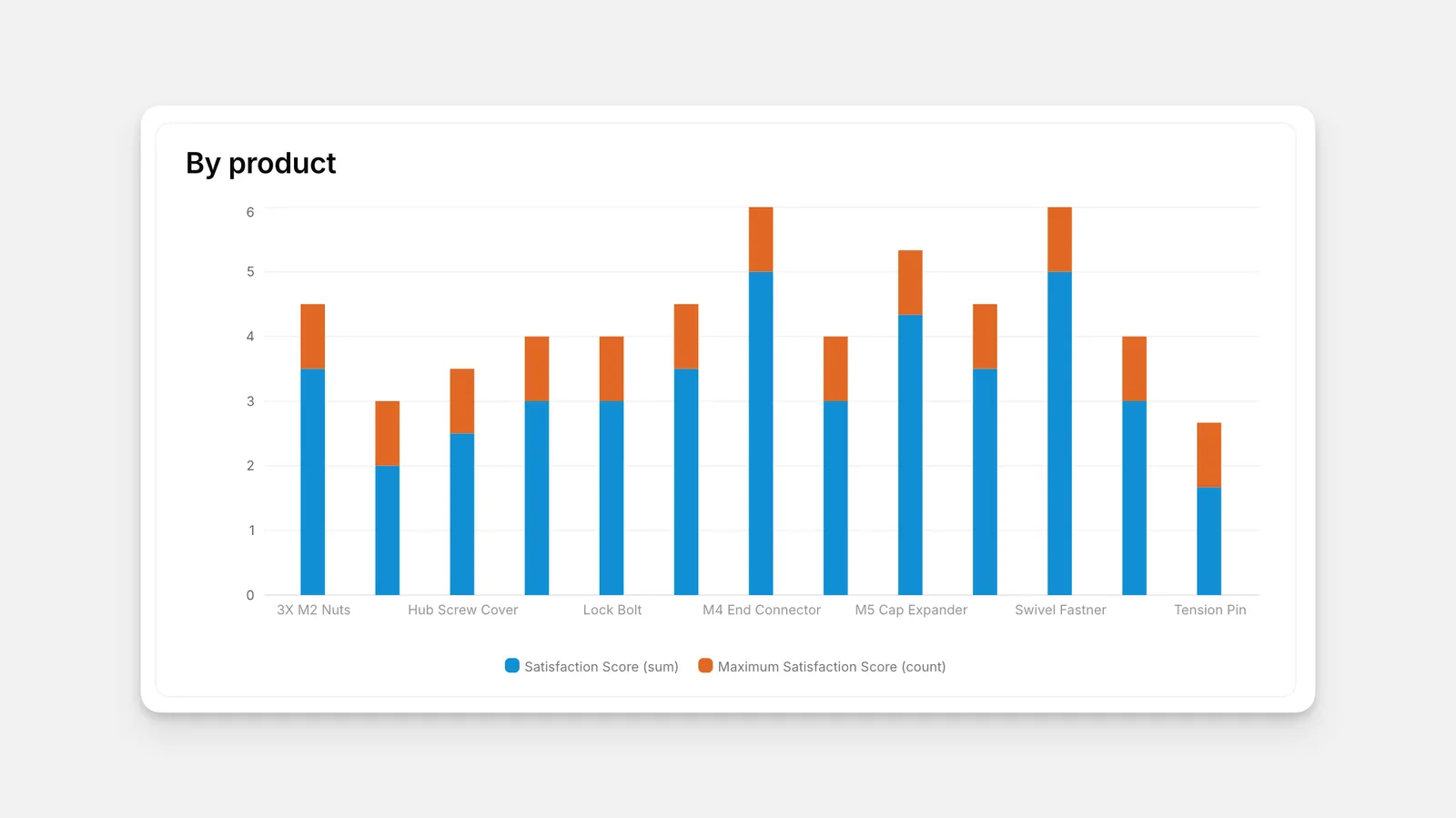
Stacked Bar: A bar chart that stack multiple values into one bar, with different colors for each value.
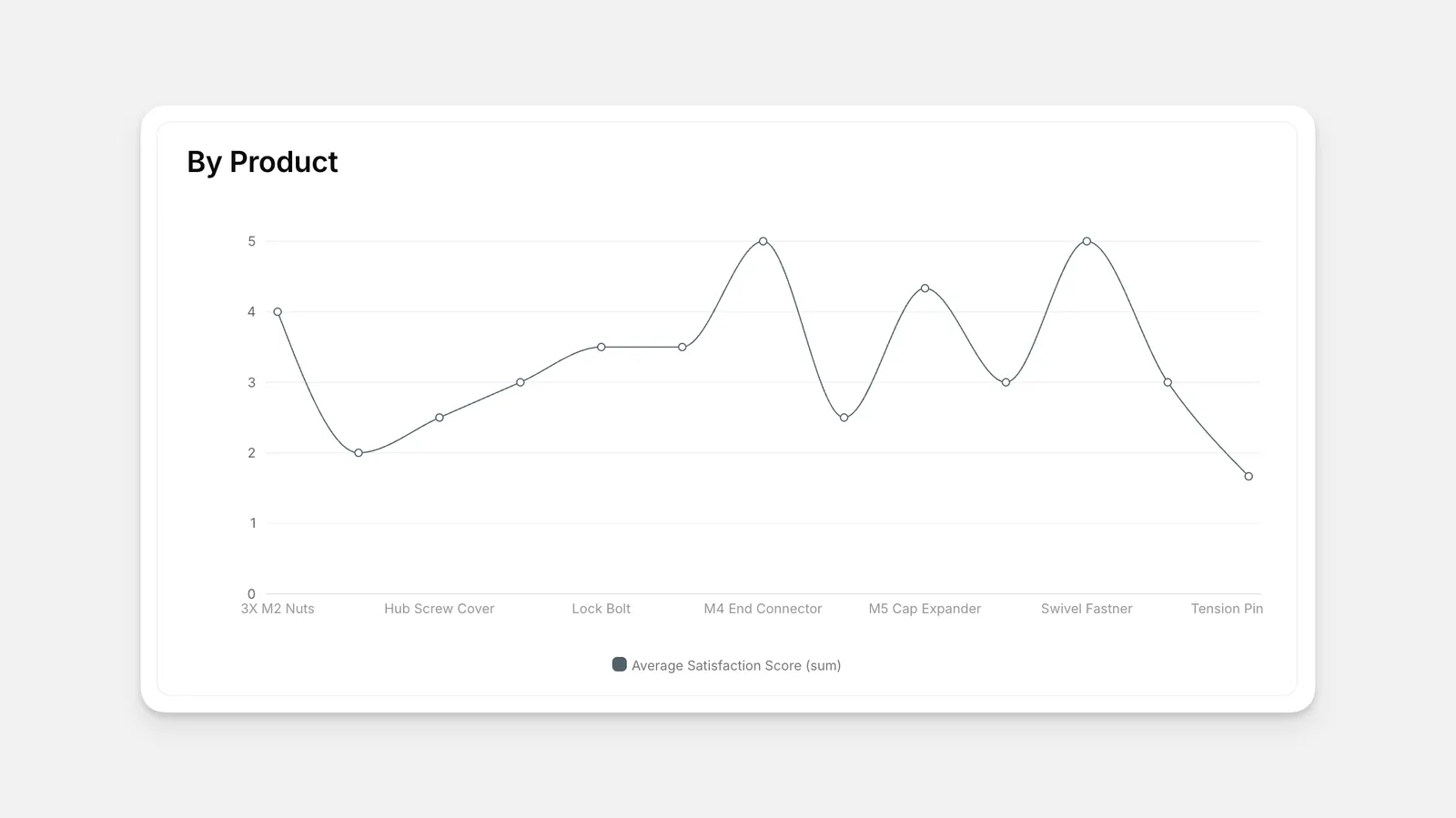
Line: A standard line chart.
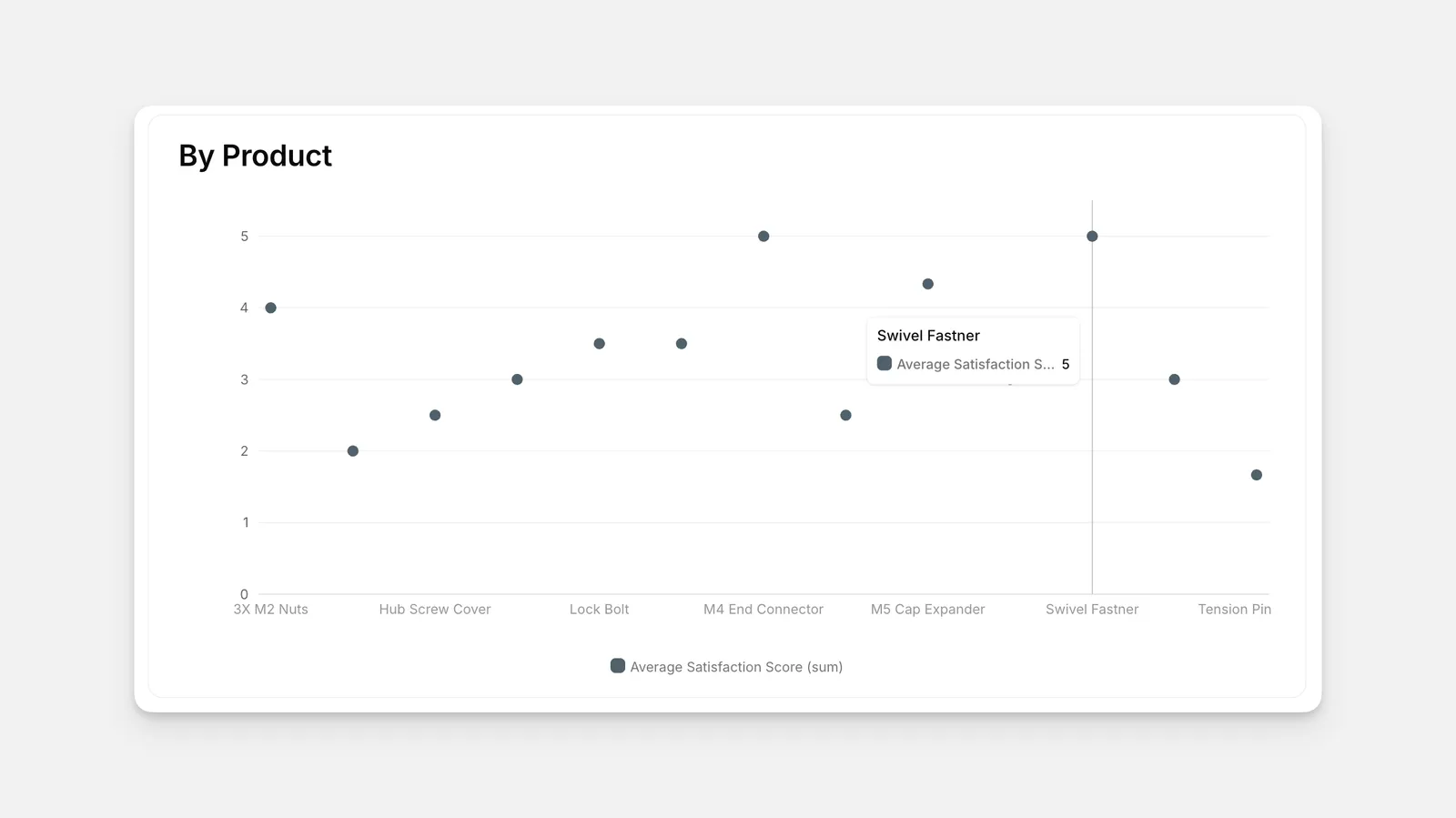
Scatter: A scatter plot of dots.
Area: Similar to a line chart, with shading down to the x axis.
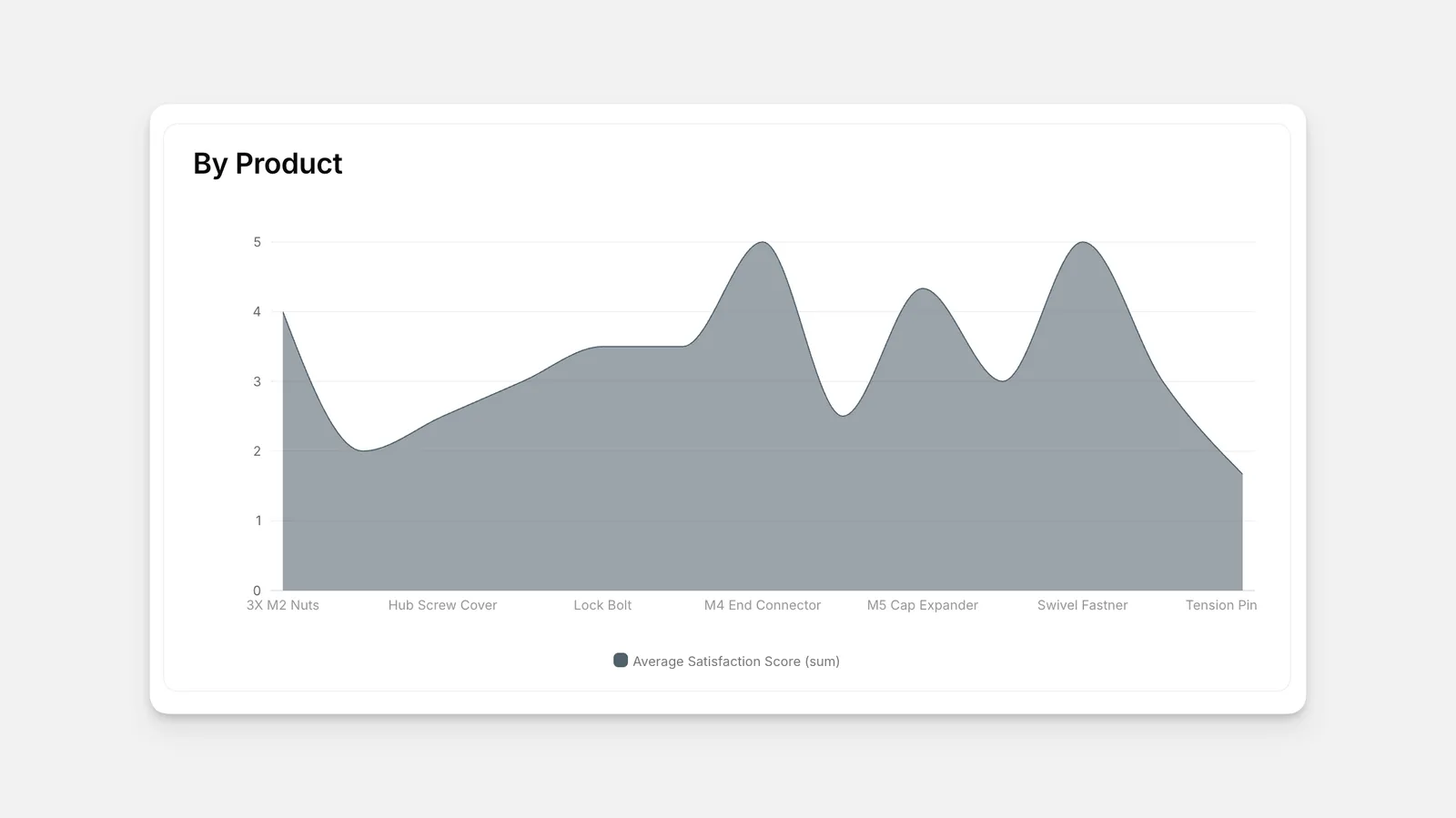
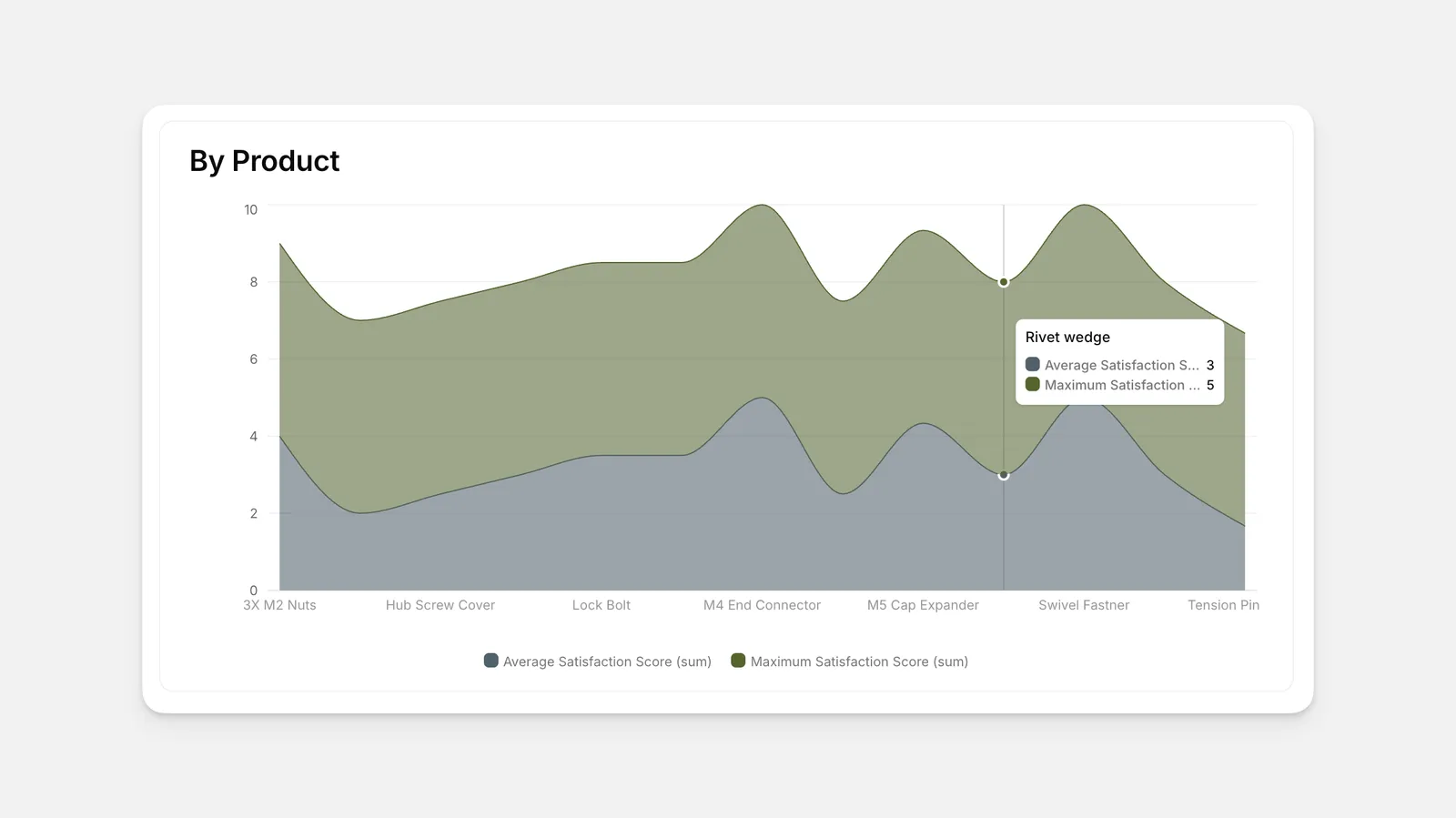
Stacked Area: An area chart with multiple stacked values, with different colors for each value.
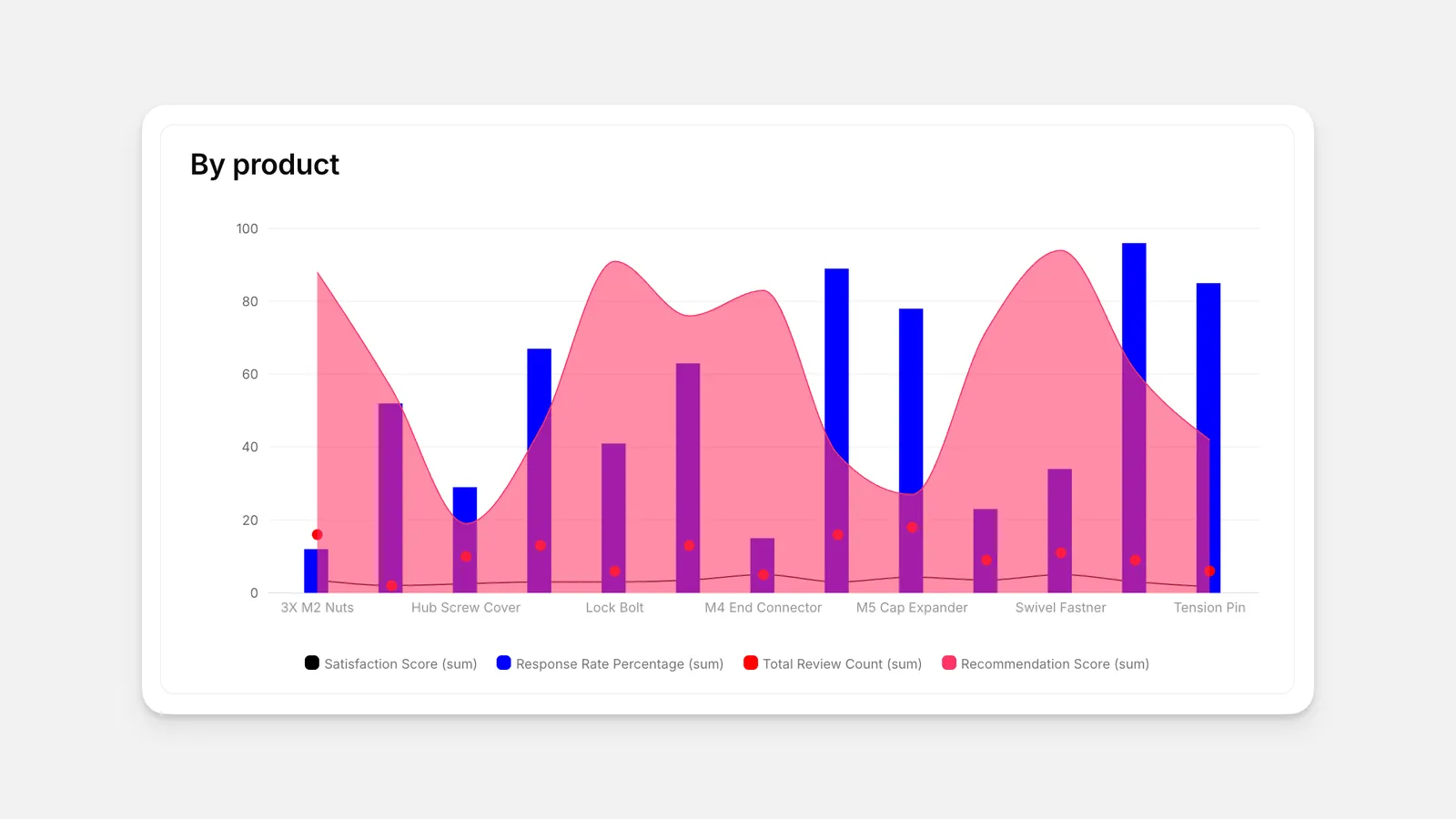
Mixed: A mixed chart with all four styles available, specified by each value.
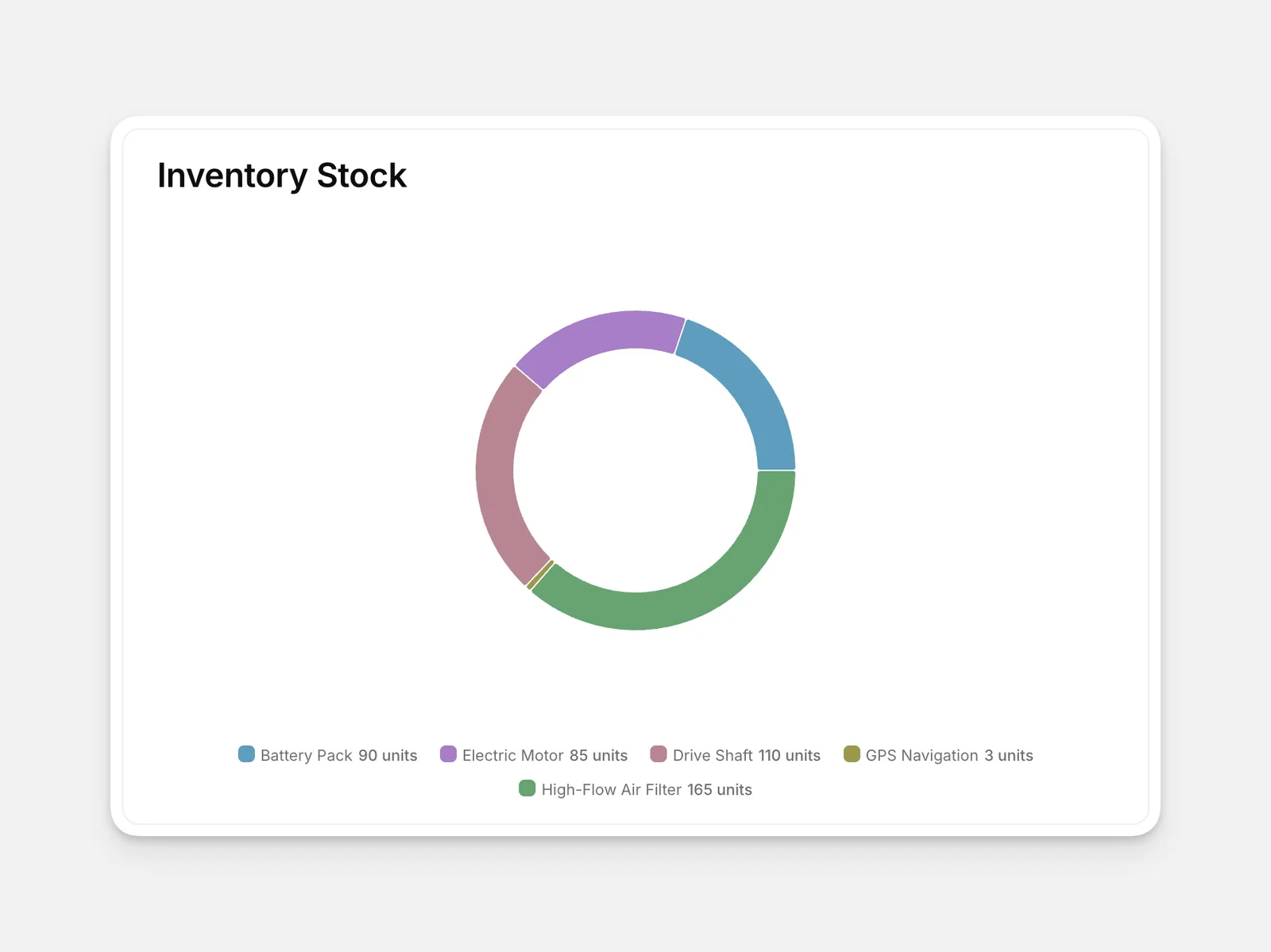
Radial (Pie Chart): A radial chart that displays data as segments of a circle.
Adding a Chart Component
On the right-hand side in the Component menu, select a data source. This can be any table from your data.
Customizing Charts
Glide charts are highly customizable based on what type of data you connect, as well as how you choose to visualize it. Each chart style unlocks new ways to display data, so we recommend trying different options as you build your chart.
Customizing by Value
Clicking any specific value in the component’s menu let’s you customize that specific value further. You can add a caption for the value and change the color selection mode from auto (the default) to manual. Manual color values support both color names written in English and hex codes.
Additional Options
Opening the Options tab in the component customization menu shows additional adjustments you can make to each chart:
- Visibility and Filter conditions can be set up to limit which users can see the chart, and which data is displayed.
- Data can be sorted by different variables.
- A manual search bar for the chart data can be toggled on or off.
- In-app filtering can be enabled by adding a filter item. Additional filter values can be added with the + Add filter button. These will appear as filter options for users on the chart.
- Custom CSS for styling is available.
- Builder notes can be added as needed.
Frequently Asked Questions
Are charts free?
Yes! Charts are a standard component, available on all Glide plans.
I had an older version of the Chart component. Will it update automatically?
No, if you’d like to update an existing chart, you’ll need to create a new chart component and connect the same data.