Investor Relations Atlas
One trusted place to keep investors informed, aligned, and acknowledged
Preview
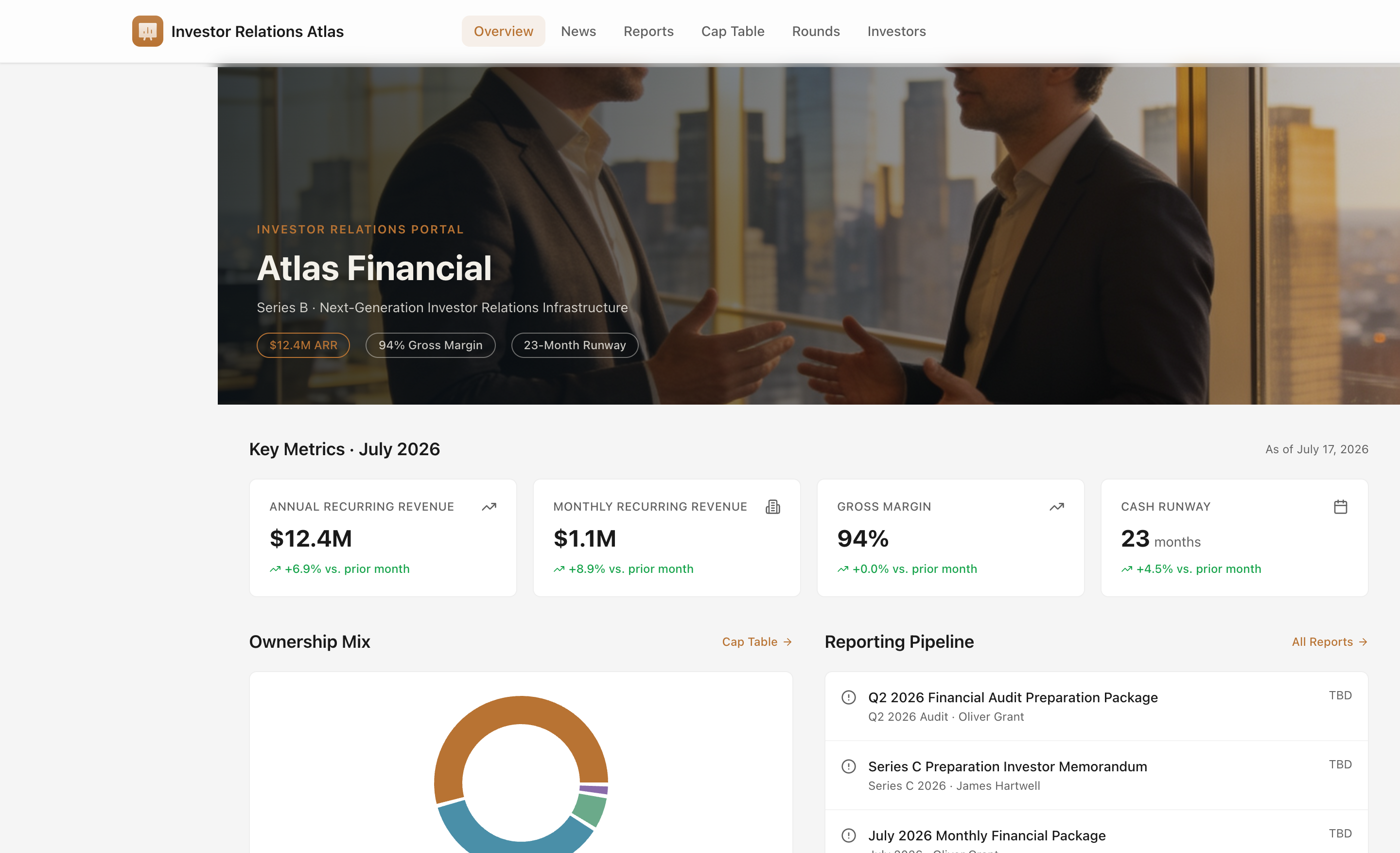

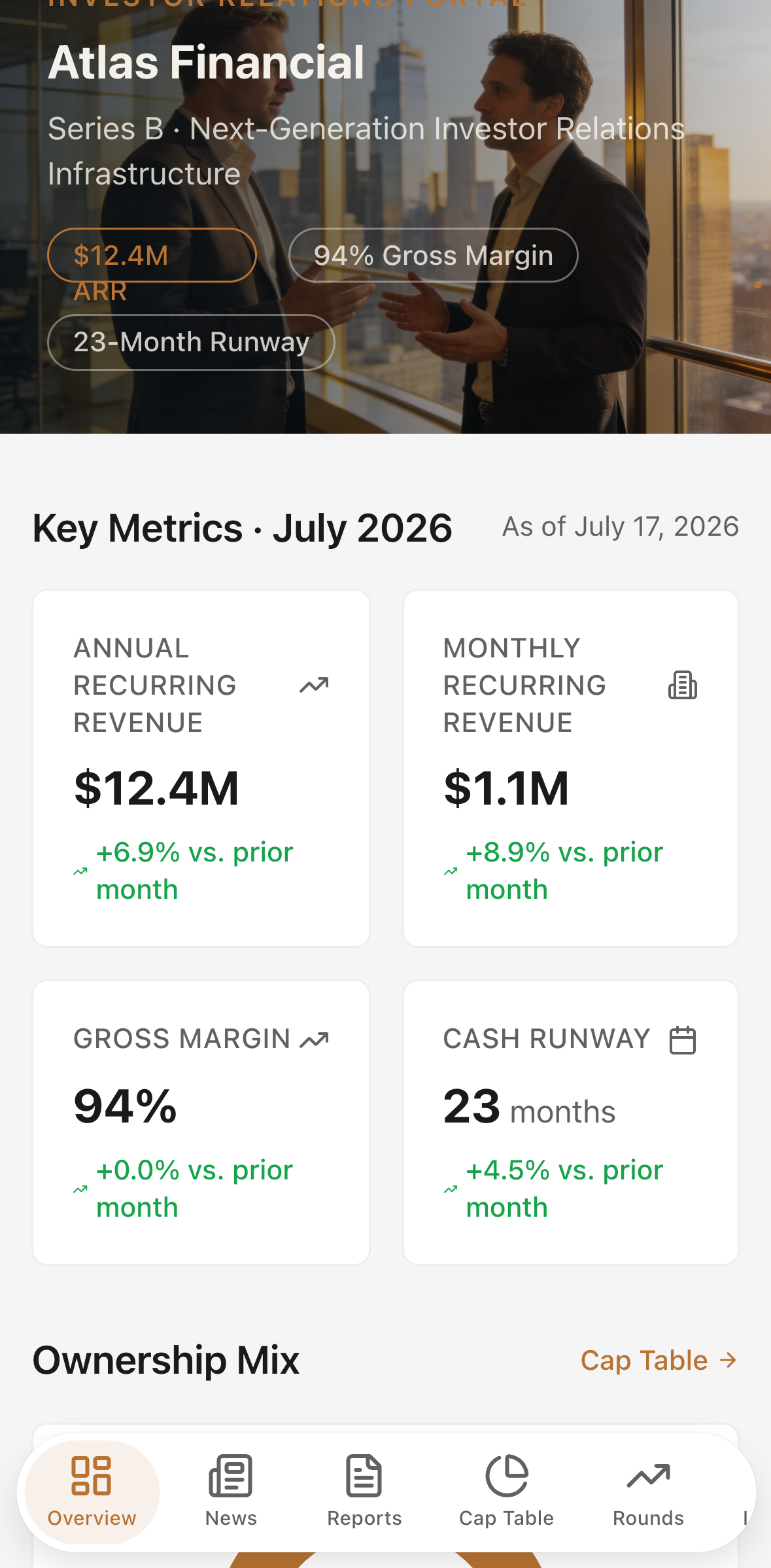

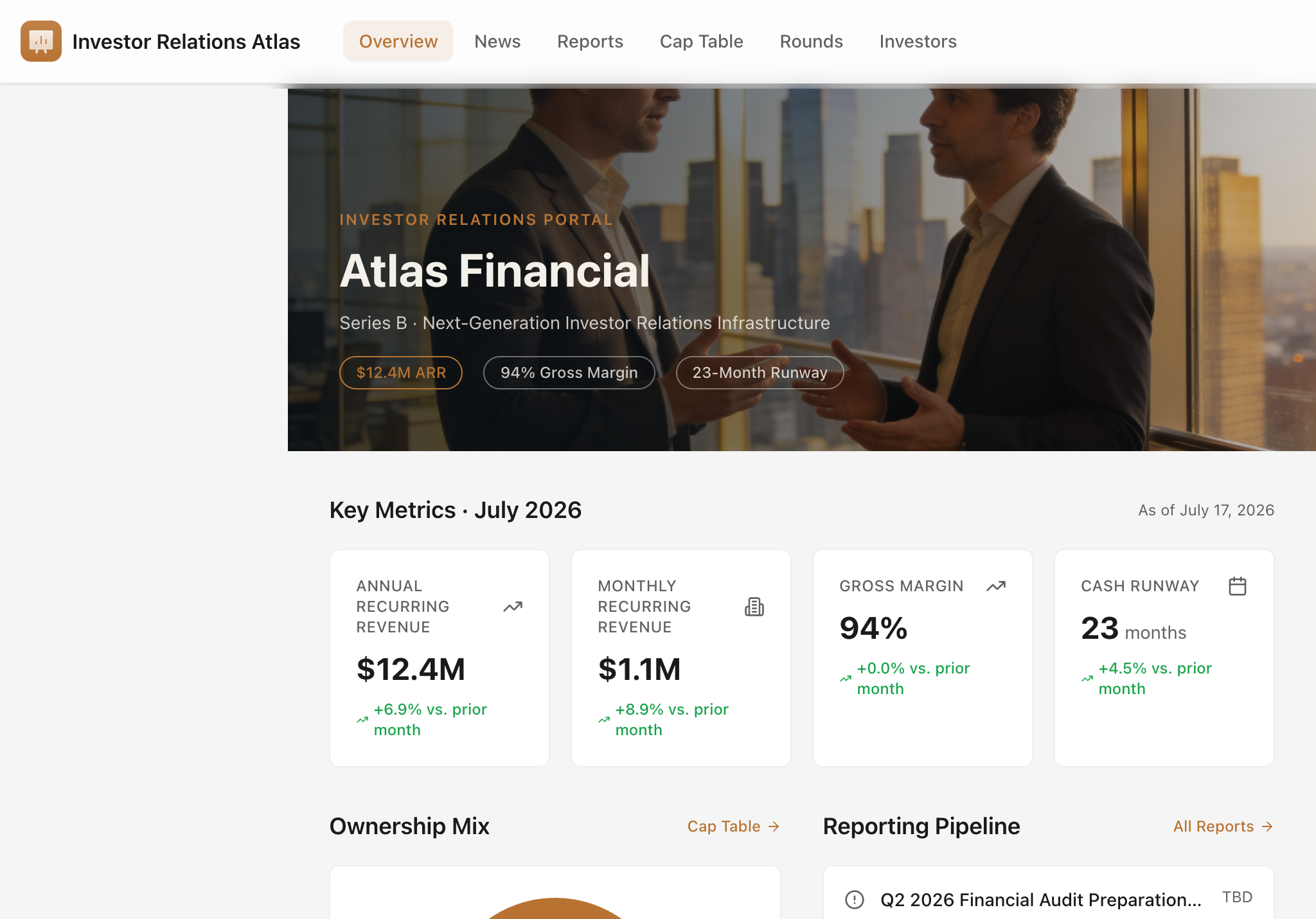

Overview
The problem it solves
Investor relations at a fast-growing company is still largely manual: milestone updates buried in email threads, cap tables living in stale spreadsheets, quarterly reports distributed as PDF attachments, and no reliable way to know who has actually read and acknowledged the material they need to act on. Investor Relations Atlas replaces that scattered workflow with a single, transparent portal that founders and investors both trust.
Included workflows
Investor Overview Dashboard
A photoreal hero dashboard gives every stakeholder an instant read on company health. Four live KPI cards — Annual Recurring Revenue, Monthly Recurring Revenue, Gross Margin, and Cash Runway — display the latest figures alongside month-over-month deltas. An ownership-mix chart shows the fully diluted cap table at a glance. A reporting pipeline strip surfaces every document in review or pending release, and a Latest Updates feed pulls recent company news directly onto the landing screen.
Company News
A searchable, filterable feed of company updates — milestones, funding announcements, product launches, governance notices, team news, compliance certifications, and formal investor updates. Each item carries a cover photo, author attribution, impact rating, type label, and publication date. Acknowledgement tracking shows exactly how many investors have confirmed they have read each update, with a progress bar visible on every card and on the detail view.
Financial Reports and Sharing
A document library covering monthly, quarterly, board, annual, and investor-update report types. Every report card shows its status (Draft, In Review, or Published), the responsible owner, release date, and page count. From any report card or detail screen, IR managers can publish a report in one click and then share it with investors. Once shared, an acknowledgement tracker counts which investors have confirmed receipt and flags who is still pending.
Cap Table — Ownership, Dilution, and Valuation Tracking
A full equity ledger covering founders, employees, angels, and institutional funds. Each row shows stakeholder name, type badge, share class, shares held, fully diluted ownership percentage, amount invested, and current value at the latest round price per share. Three views — All Holders, Ownership Mix (dual pie charts by holder type and share class), and By Share Class (grouped breakdowns with subtotals) — give investors every angle on the ownership structure. On mobile, every table row becomes a stacked card so no data is clipped.
Funding-Round History and Scenario Modeling
A vertical timeline of every closed round — Pre-Seed through Series B — showing pre-money valuation, post-money valuation, amount raised, price per share, shares issued, dilution percentage, and lead investor. A Valuation Charts tab renders the progression as an interactive line chart (pre- and post-money) and a bar chart of capital raised per round. A Series C Scenarios tab includes an interactive raise-amount slider and three scenario columns — Conservative, Base Case, and Upside — each computing projected pre-money, post-money, dilution, and valuation step-up in real time.
Investor Directory and Access Management
A directory of every investor relationship, each shown as a card with photo, firm, role, share class, ownership percentage, invested amount, current value, access status (Active, Observer, Pending, or Restricted), relationship owner, and last update date. Profile detail pages include a return-multiple stat, a pending-acknowledgements panel with per-item Reconcile and Acknowledge buttons, and quick links to send an investor update by email. An Add Investor dialog supports structured onboarding of new shareholders with access classification and relationship assignment.
Acknowledgement Follow-up
Every company news update and every shared financial report generates an acknowledgement request to the investor list. The portal tracks confirmation counts in real time, surfacing a progress bar on each item and a detailed pending-investor list on the profile detail screen. IR teams always know who has seen what — without chasing replies by email.
AI feature: Summarize Investor Update
On the detail screen of any company news update or financial report, a clearly labelled Summarize Investor Update action calls a real AI endpoint. The action accepts the full content of the selected update or report — title, type, impact rating, body text, and key financial figures — and returns an investor-ready summary structured as a concise headline, a bullet list of key facts and figures, and a brief investor-implications statement, all in 200 words or fewer.
Summaries are generated on demand and displayed inline with a loading indicator while the model runs. If the request fails, an inline error state with a retry prompt appears immediately. If the account has exhausted its AI credit allocation, the panel surfaces a clear out-of-credits message directing the operator to buy extra credits or upgrade their plan in the Glide dashboard.
This feature is available on the News detail screen and the Reports detail screen. It is designed to cut the time spent drafting board packets, quarterly shareholder digests, and internal briefings — turning a full-length investor update into a polished, distributable summary in seconds.