Wholesale Launch Desk
Get every retail account shelf-ready
Preview



Overview
Get from buyer yes to first delivery
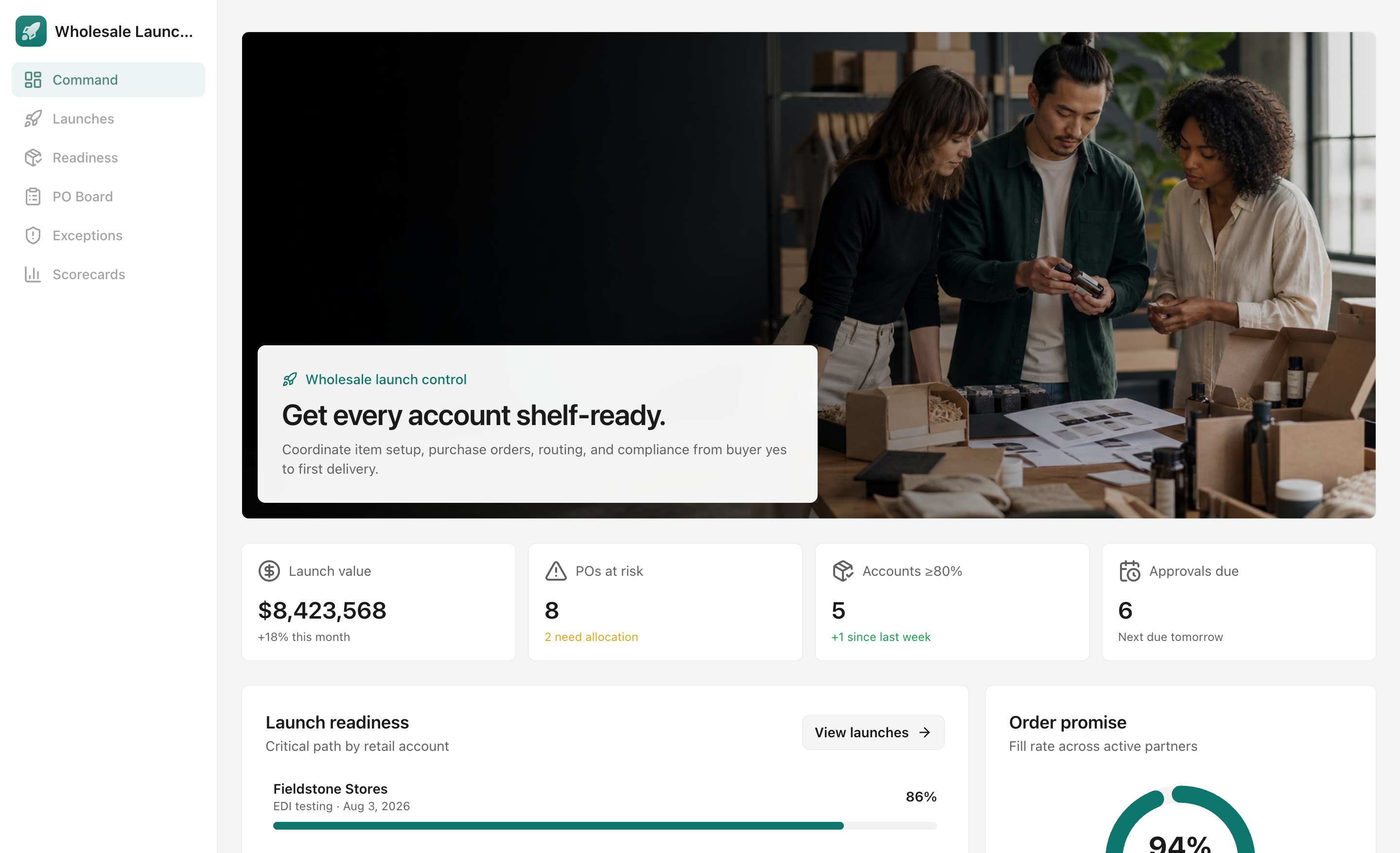
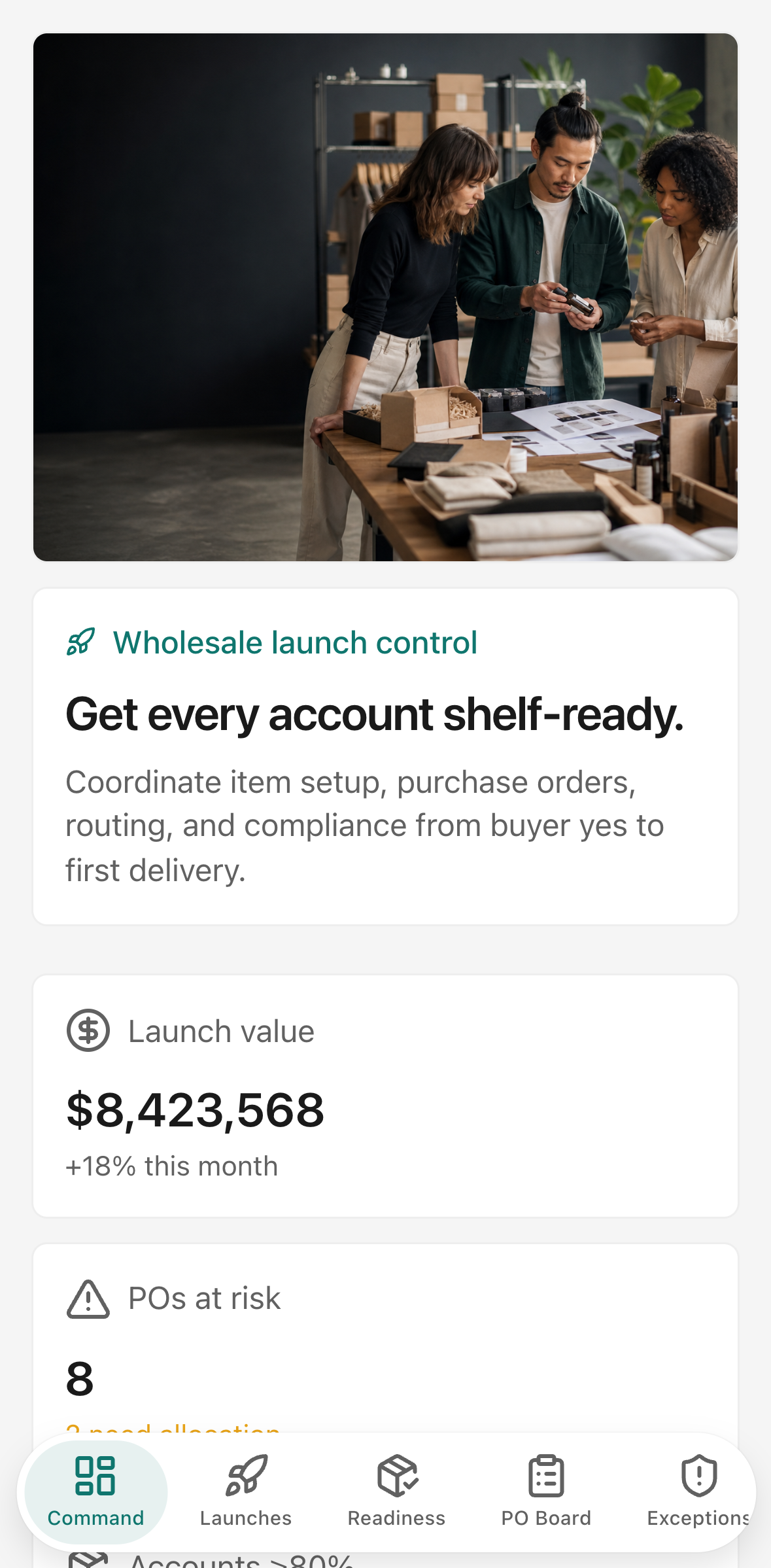
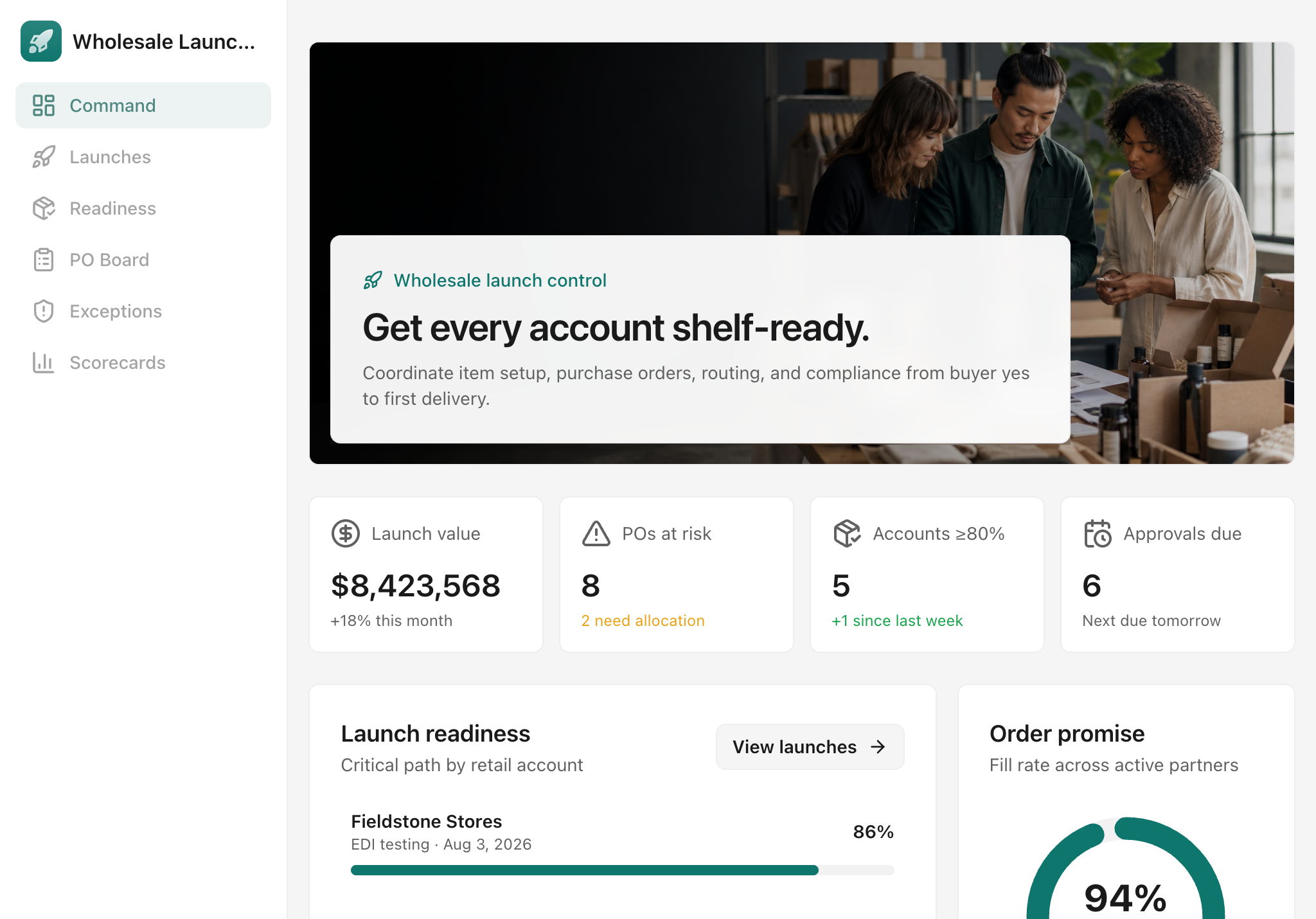
Wholesale launches break down when item setup, retailer requirements, purchase orders, routing evidence, and approvals live in separate spreadsheets and message threads. Wholesale Launch Desk gives retail operations teams one place to own the critical path.
Coordinate every launch
See target dates, accountable owners, readiness progress, open exceptions, purchase-order value, and recent handoffs across every retail account.
Prove every SKU is ready
Track identifiers, case packs, labels, pricing, allocated stock, and routing approval by account and SKU. The readiness matrix makes missing proof visible before it blocks a shipment.
Move purchase orders through fulfillment
Follow each PO from receipt and acknowledgement through allocation, routing, ASN validation, shipment, and delivery. Line-level allocation and approval history keep the order promise auditable.
Resolve compliance gaps early
Prioritize exceptions by severity and due date, assign an owner, attach a resolution note, and preserve the decision trail for the next partner review.
Draft a launch-readiness brief with AI
On the Command screen, choose a retail account and select Draft brief. The AI action uses the account's stored readiness gaps, PO timing, allocation, and compliance exceptions to produce an executive readout with the critical path and decisions needed. It helps operations leaders prepare a concise launch review without rebuilding the story by hand. If AI credits are unavailable, the app explains how to buy extra credits or upgrade in the Glide dashboard.