Tableline Catering OS
One operating picture from confirmed order to final handoff
Preview



Overview
What it replaces
- Proposals emailed back and forth with no single source of truth
- Kitchen whiteboards that only the chef can read
- Driver texts and phone calls to confirm delivery
- Spreadsheets that show revenue but not margin or outstanding balance
Core screens
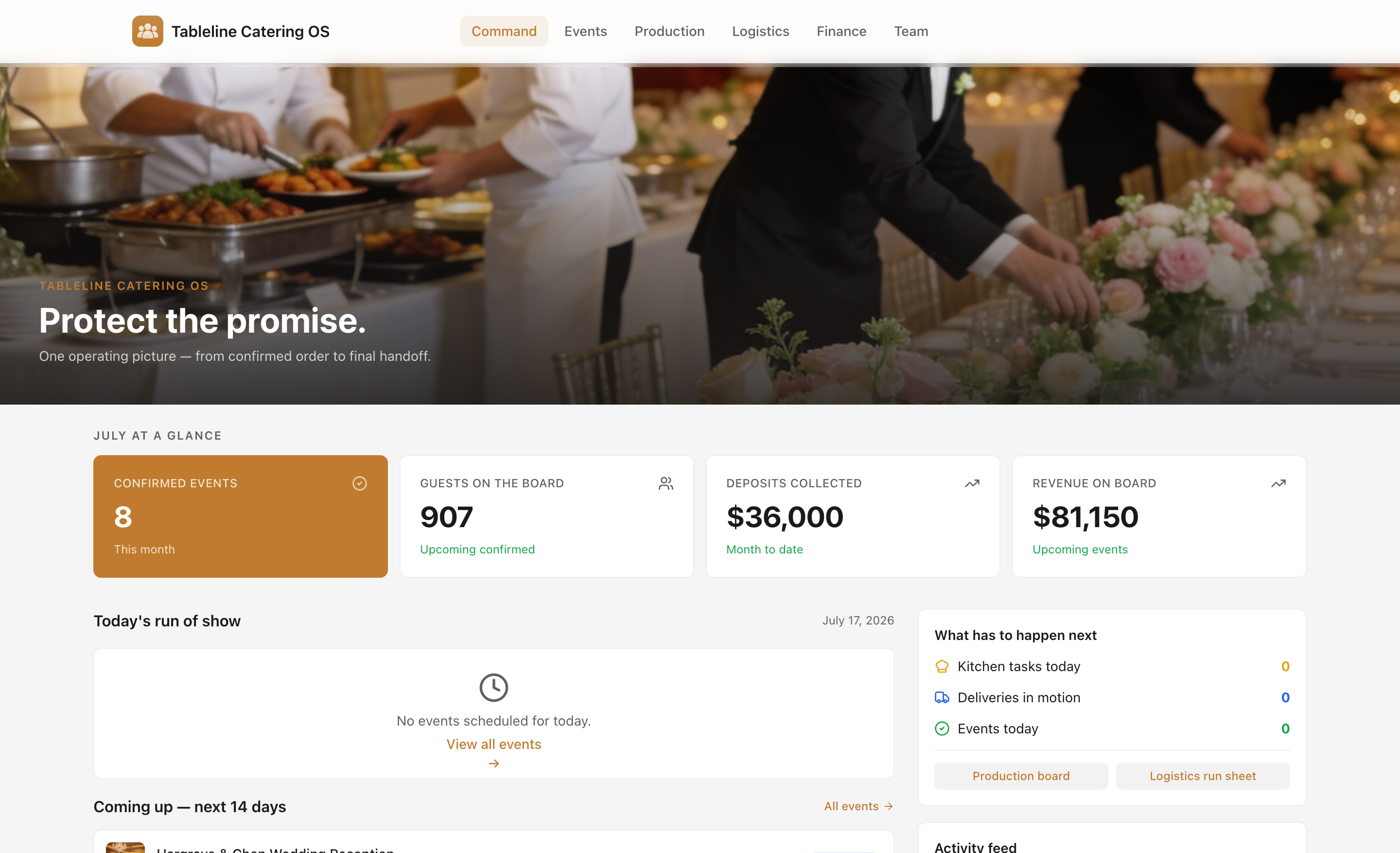
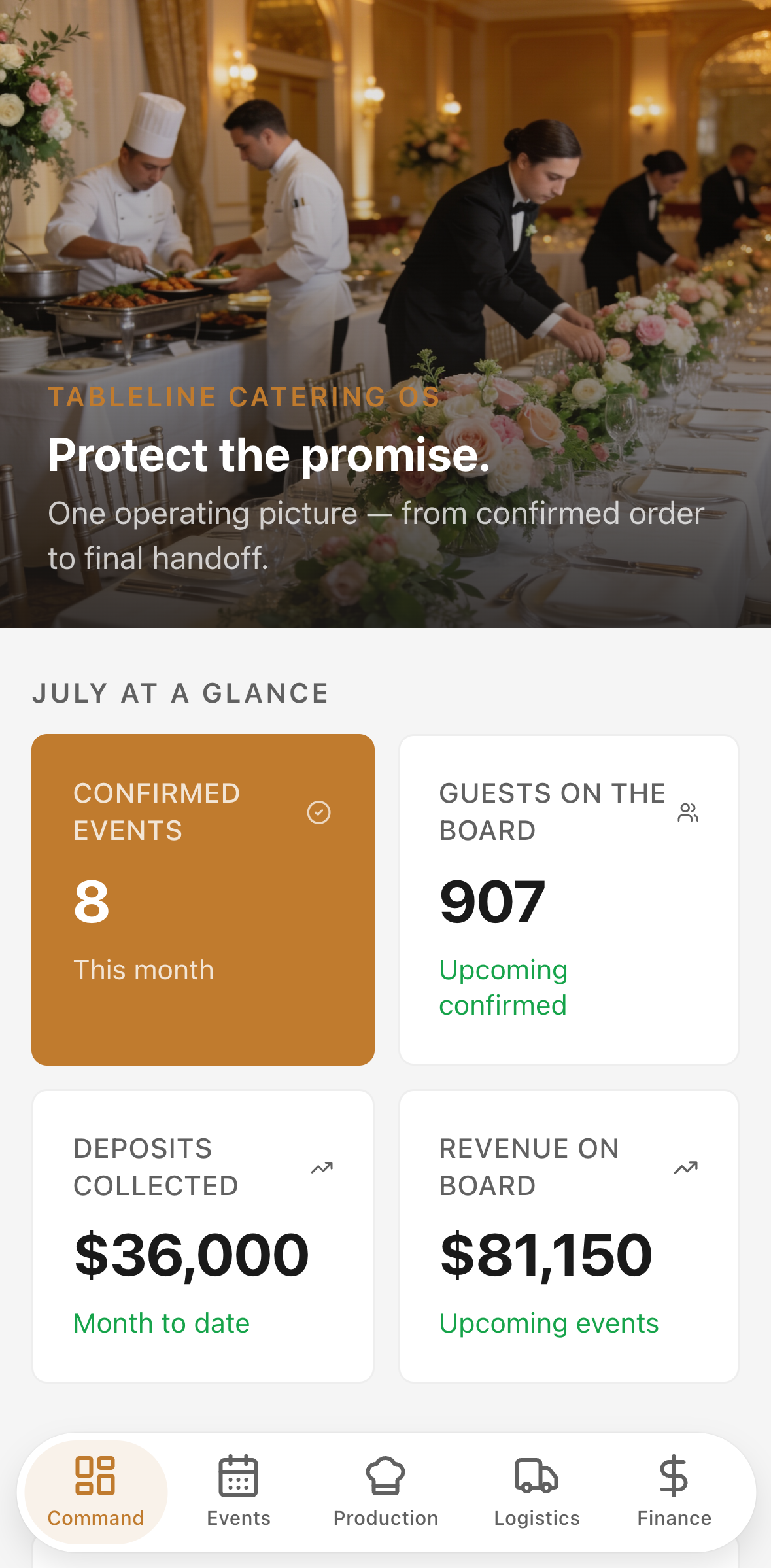
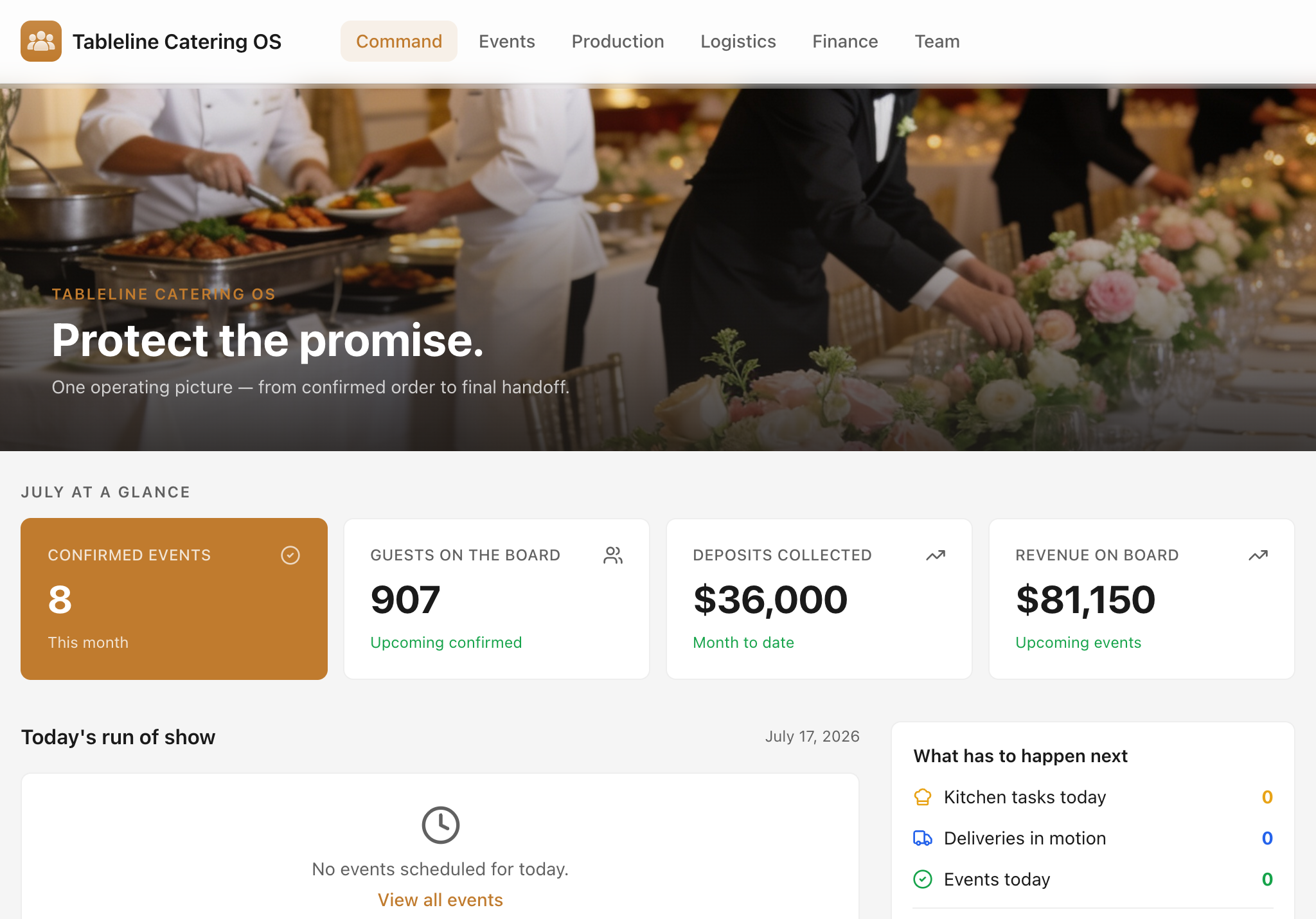
Command Center — live KPIs, today's run of show, upcoming events, a readiness panel, and an activity feed.
Events & Orders — searchable, filterable directory. Desktop table; stacked cards on mobile.
Production Board — five-column kanban by prep stage. Each card shows station, assigned team member, batch quantity, allergen flags, and deadline.
Logistics Run Sheet — delivery timeline grouped by today, upcoming, and recent. Drivers mark runs en route and confirm handoffs.
Event Detail — venue photo, client and contact info, menu with quantities and allergen flags, run-of-show, staffing, payment summary, activity timeline, and the Build production brief AI action.
Finance & Margin — invoices, deposits, and vendor costs with event-level margin and month-to-date totals.
Team & Shifts — people directory with photos, roles, certifications, availability, and upcoming shift count.
Create Event — sectioned form: client, timing, service type, venue, dietary and allergen notes, menu and staffing notes, delivery instructions, and payment.
The AI action in detail
Build production brief is found on every event detail page. It is a one-tap action — not a chatbot — that sends the confirmed event data to an AI model and returns a structured brief the kitchen team can read on a phone or print for the pass. The brief includes:
- Prep priorities listed in recommended order
- An allergen and dietary checklist tied to specific menu items and guest counts
- Packing reminders and labeling requirements (including which batches need special labels)
- Key timing milestones pulled from the run-of-show
- A risks section flagging anything that could go wrong before service begins
Running the brief before production starts reduces handoff errors while the team still has time to fix them.