Talent Pipeline
Manage candidates through every interview stage
Preview



Overview
Why HR teams use Talent Pipeline
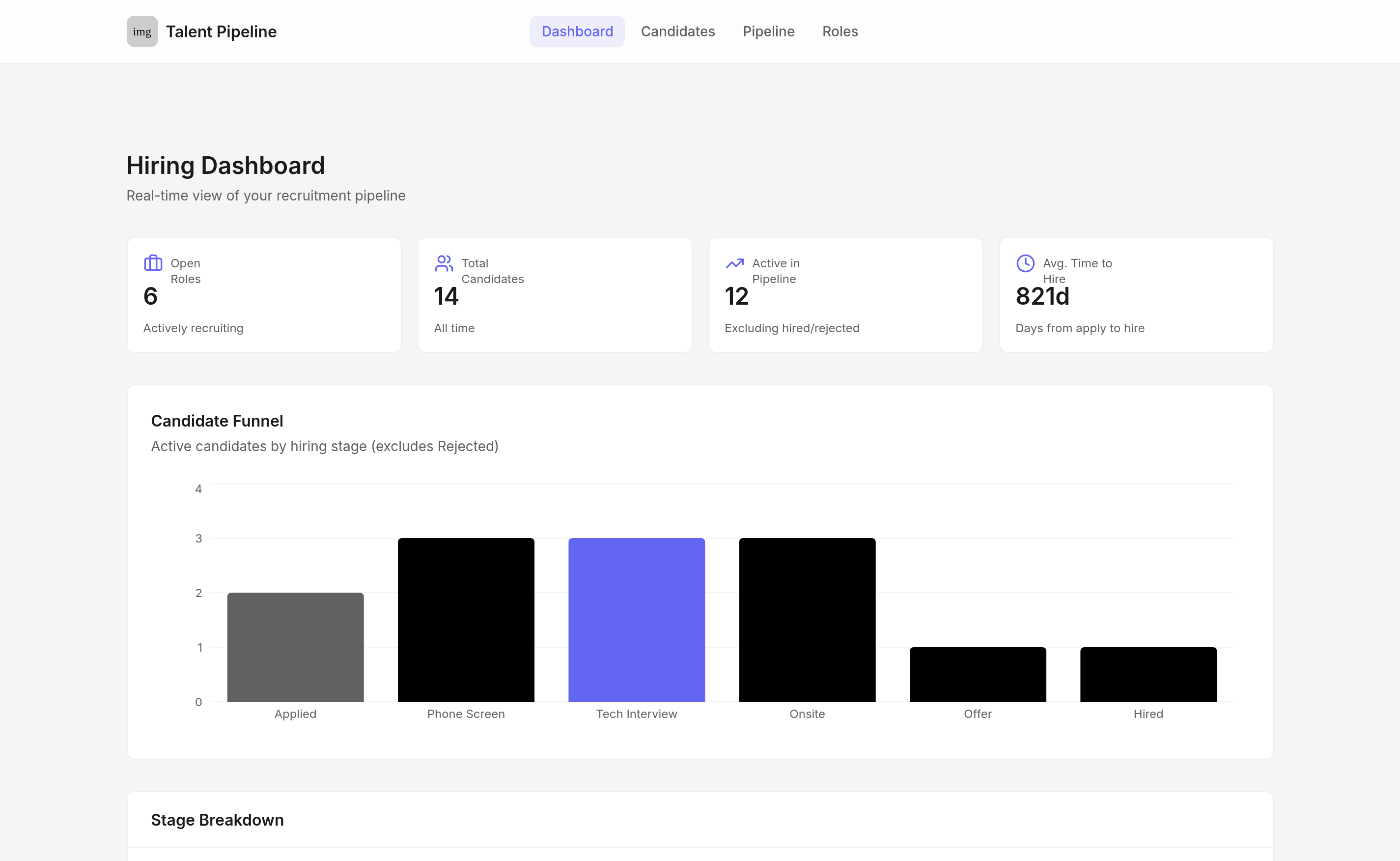
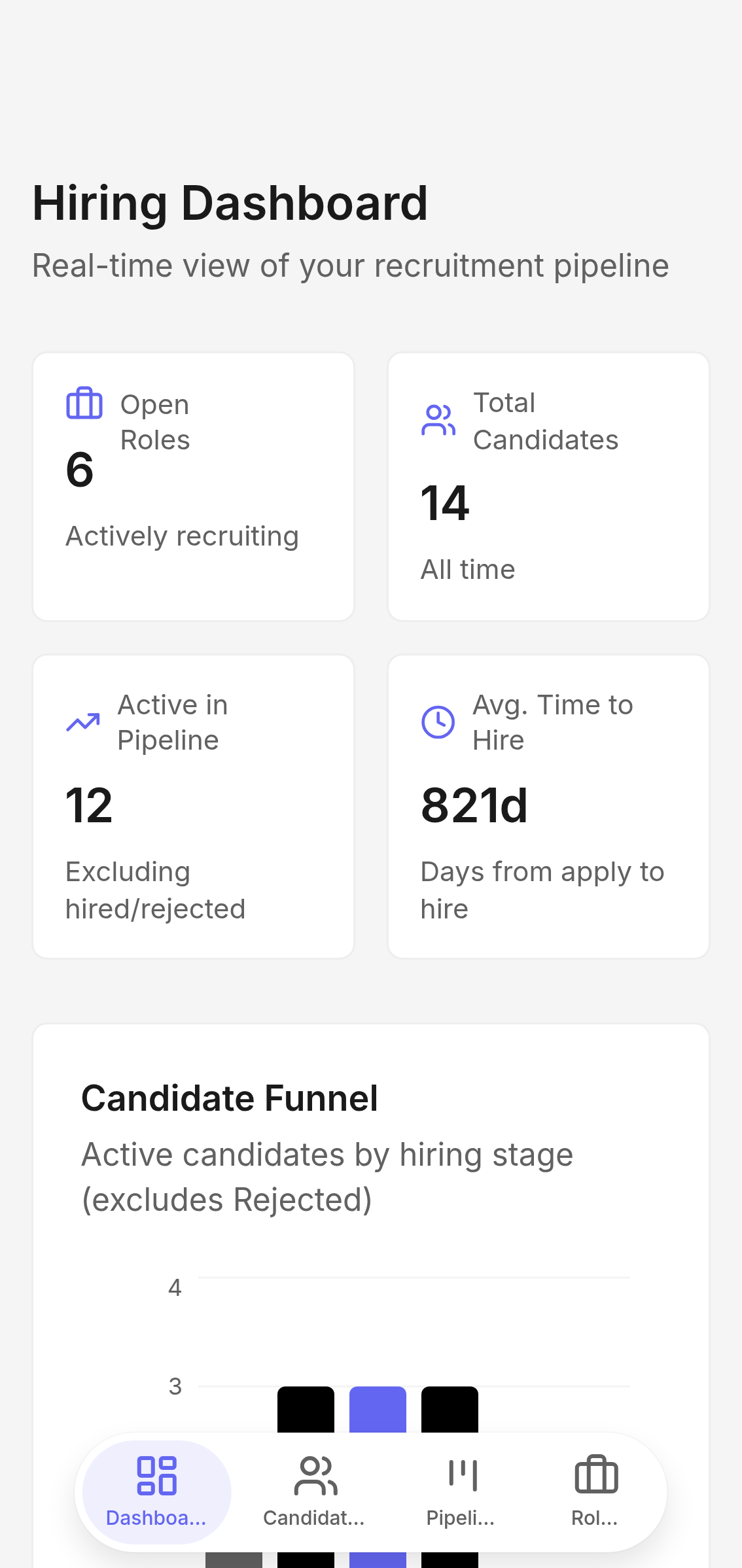
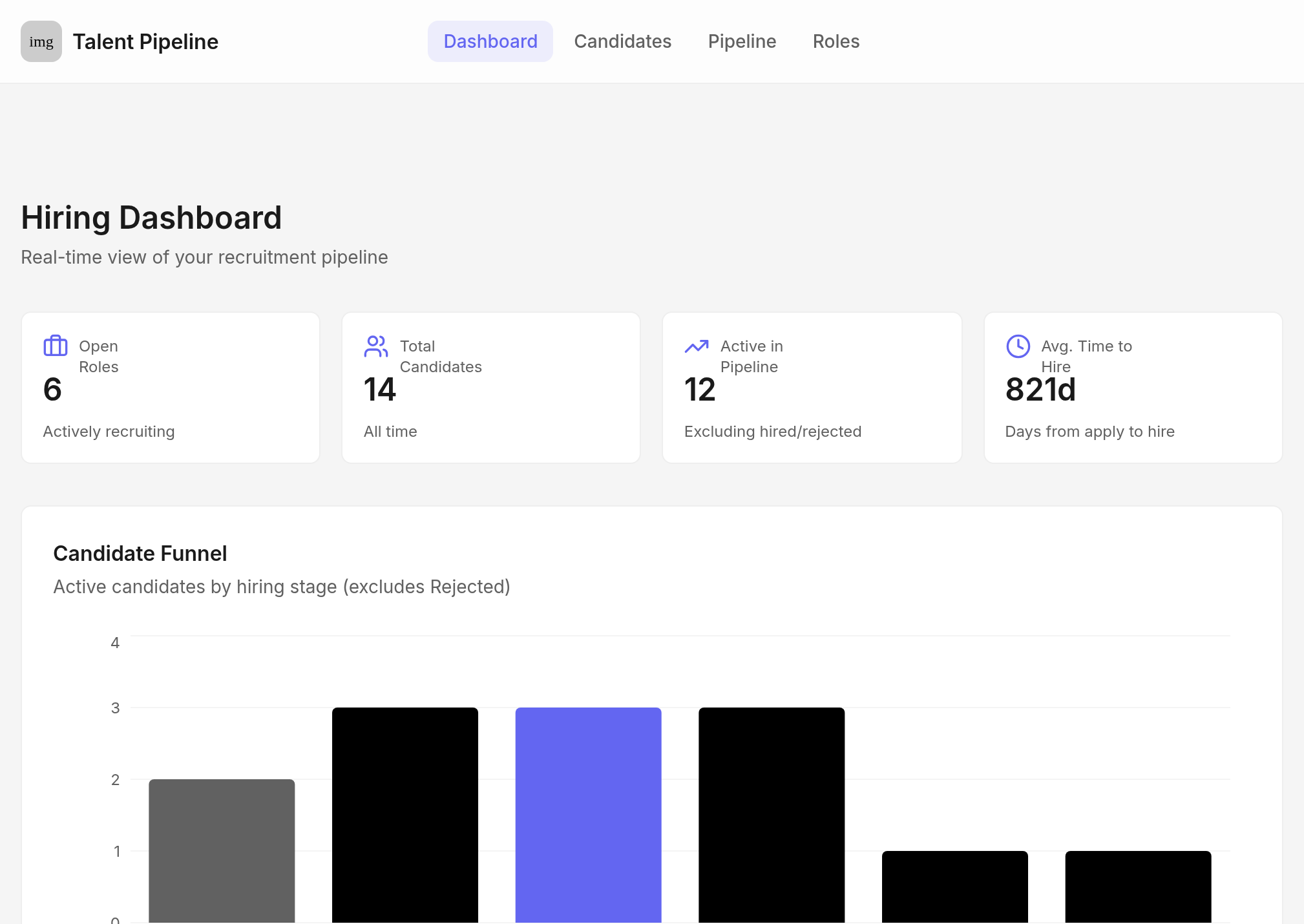
One view for every open role. The hiring dashboard shows open role count, total candidates, and a stage-by-stage funnel so recruiters and hiring managers always know where the pipeline stands — without digging through spreadsheets or Slack threads.
A kanban board that moves with you. Every candidate lives in a stage column — Applied, Phone Screen, Technical Interview, Onsite, Offer, or Hired. Move someone forward with a single tap, right from the board. The pipeline updates instantly across every view.
Interview notes that tell the full story. Log structured feedback after every interview — who spoke with the candidate, what type of interview it was, and what they found. Notes build into a chronological timeline on each candidate's detail page, so the next interviewer always has context before they walk in.