LoopWorks MRF OS
Close the loop from inbound load to clean bale
Preview



Overview
What it replaces
Most recycling facilities run on paper weigh tickets, group texts, disconnected inventory spreadsheets, and end-of-month manual reconciliation. LoopWorks MRF OS replaces that stack with a connected set of role-specific apps built on a single shared database — so every ton that enters the facility is traceable from the scale through the baler to the outbound load.
Three role-based apps, one shared database
Scale House
Built for scale house operators and drivers. Weigh tickets capture gross, tare, and net weight; material stream; contamination percentage; supplier; and driver details in a single form. The command center shows today's load count, net tons, average contamination, and open quality flags at a glance, with a live feed of the five most recent tickets. Supplier profiles track load history and average contamination per hauler. Status actions let operators complete weigh-out or flag a load for quality review without leaving the screen.
Floor Ops
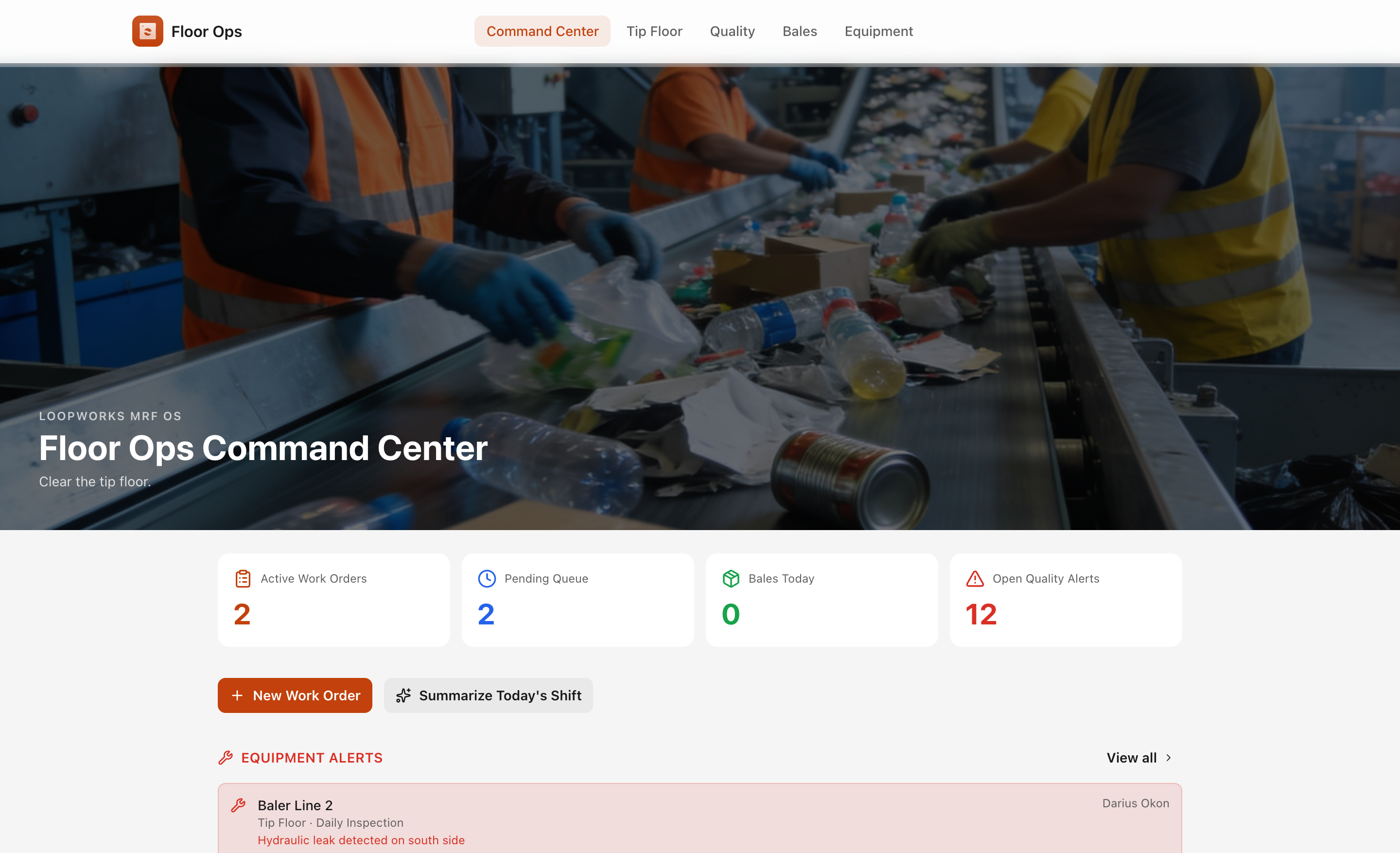
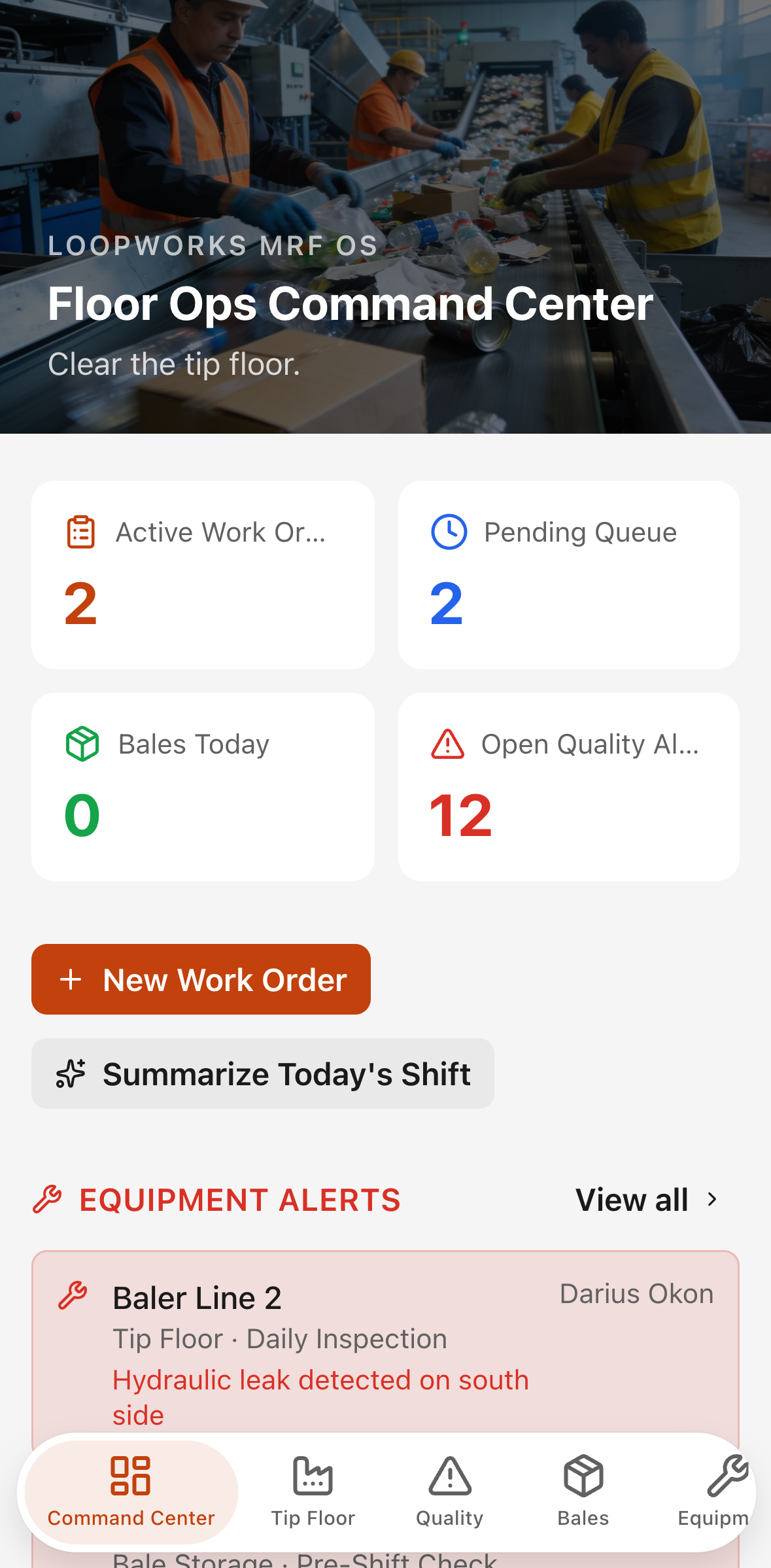
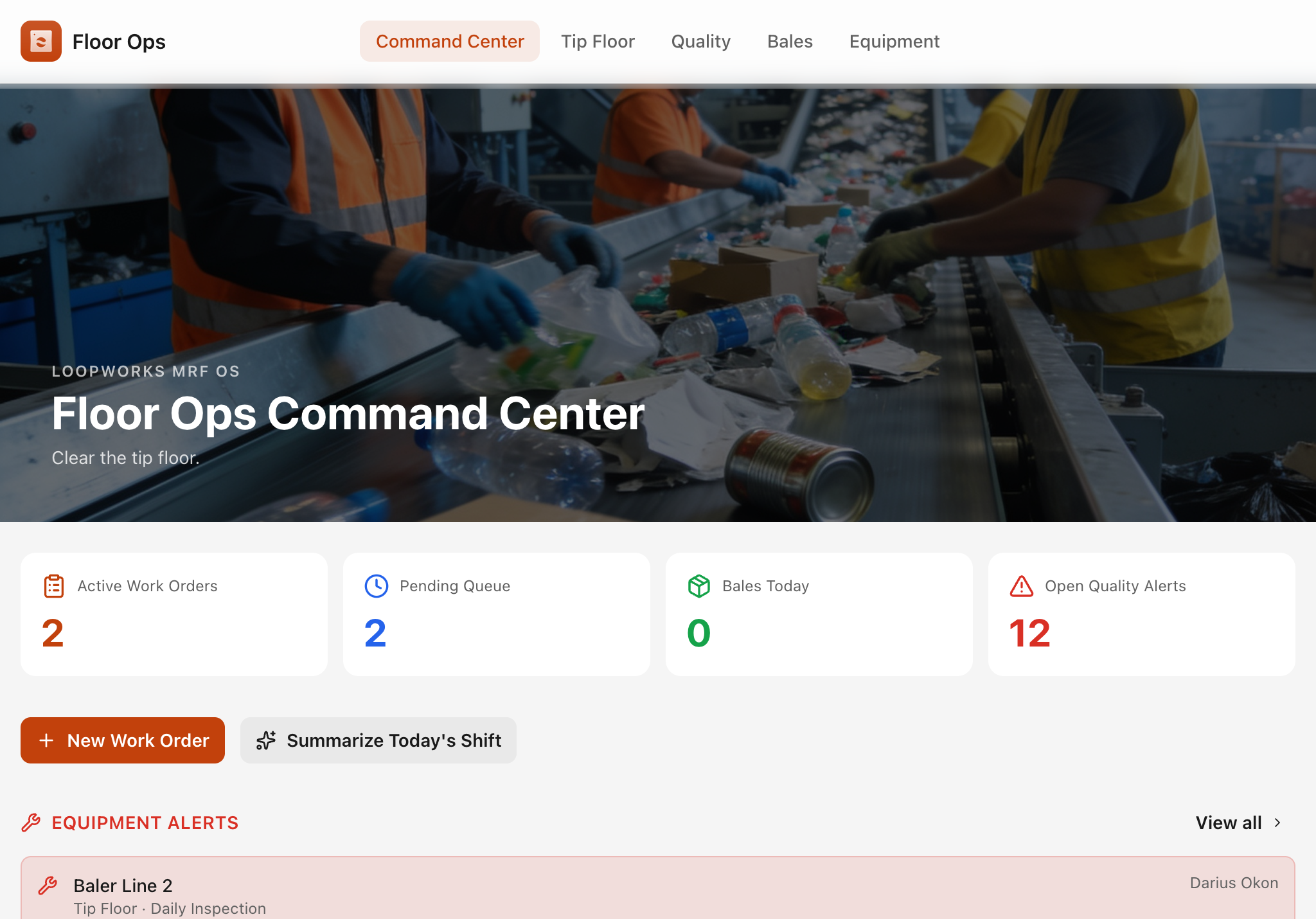
Built for tip-floor supervisors, baler operators, and forklift crews. The live queue shows every pending and in-progress work order with material stream, line assignment, shift, and operator. Supervisors start and complete work orders directly from the queue, capturing output weight, yield percentage, and bales produced. Quality inspections link to inbound loads and record contaminant types, severity, disposition, and photo evidence.
AI action — Draft supplier quality notice: on any quality incident detail page, a single button sends the load's material stream, contamination findings, contaminant types, severity, and notes to an AI model. The model returns a concise, firm, professional 150–200-word supplier notice that includes an issue summary, evidence summary, required corrective action, and a follow-up date set fourteen days out. The drafted notice is saved to the incident record and can be copied to the clipboard for immediate use. A second AI action on the command center summarizes the day's work orders and quality events into a brief operational shift note.
Bale inventory tracks every produced bale by ID, material, grade, weight, storage zone, and QA status. QA-held bales can be released with one tap. Equipment checks are grouped by area — tip floor, sort floor, scale house, and bale storage — with inline mark-complete and corrective-action capture.
Sales & Compliance
Built for compliance managers and commodity buyers. The dashboard shows month-to-date revenue, released inventory value, shipments due this week, and recovery rate — all calculated live from the shared database. Outbound shipments are created against buyer contracts and linked to released bales; the mark-shipped dialog captures final weight and bill of lading number. Buyer profiles show contract terms, expiry warnings, and year-to-date revenue. The Compliance & Impact Report page presents total inbound tons, recovered tons, diversion rate, and a per-material recovery breakdown in report-ready language suitable for municipal or investor audiences.
Shared data model
All three apps read and write the same ten database tables: staff, suppliers, buyers, inbound loads, quality inspections, work orders, bales, outbound shipments, shipment–bale assignments, and equipment checks. A load weighed in on Scale House appears immediately in Floor Ops and in the Sales & Compliance compliance totals — no export, no sync, no reconciliation step.
Design
Safety-orange accent on deep slate surfaces with recycled-paper neutral backgrounds. Photorealistic hero images on every command center. Mobile-first card layouts at 375 px with touch-friendly controls. Full dark-mode support using semantic color tokens throughout.