EventOS
Run your conference from show floor to closing keynote
Preview
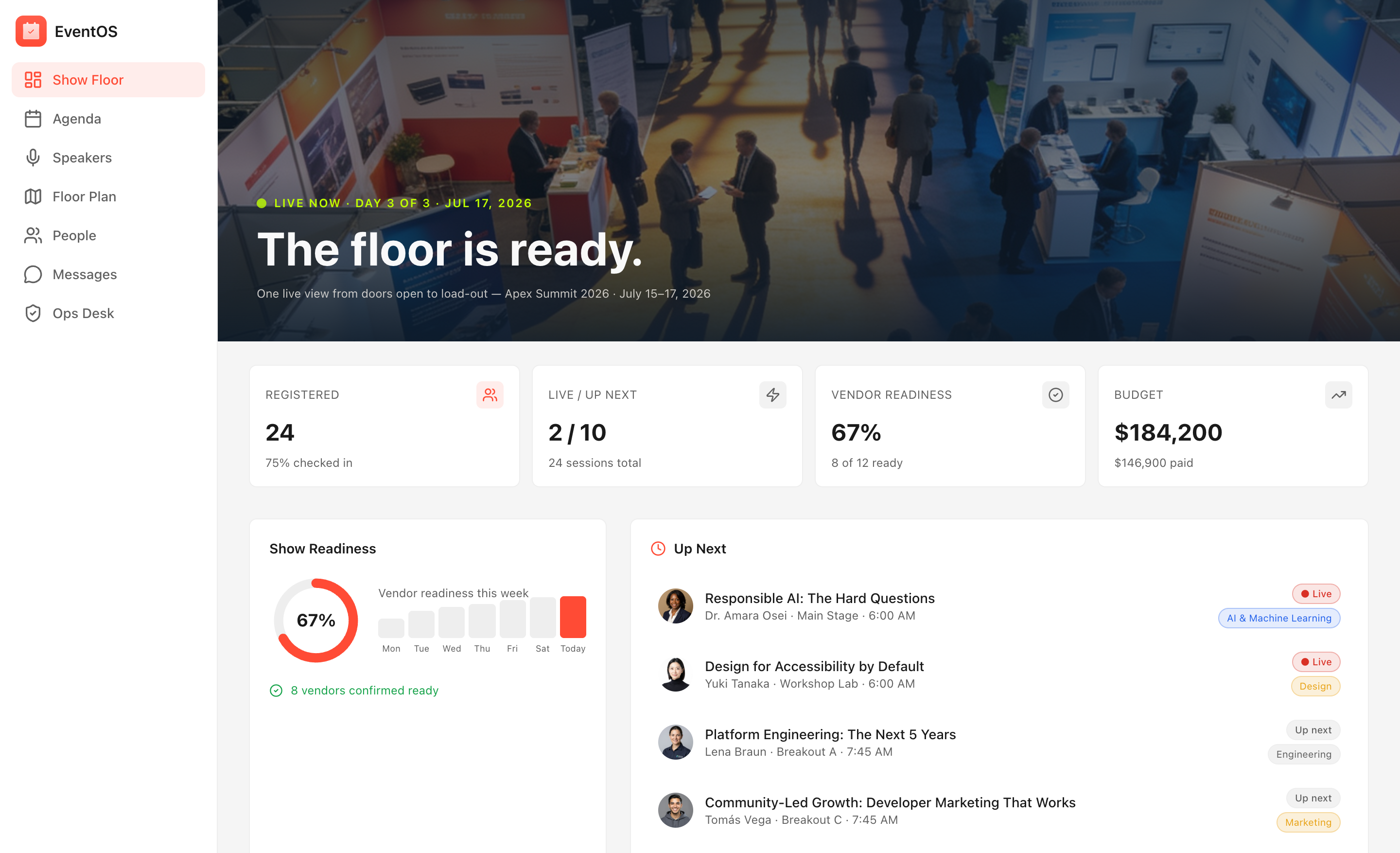

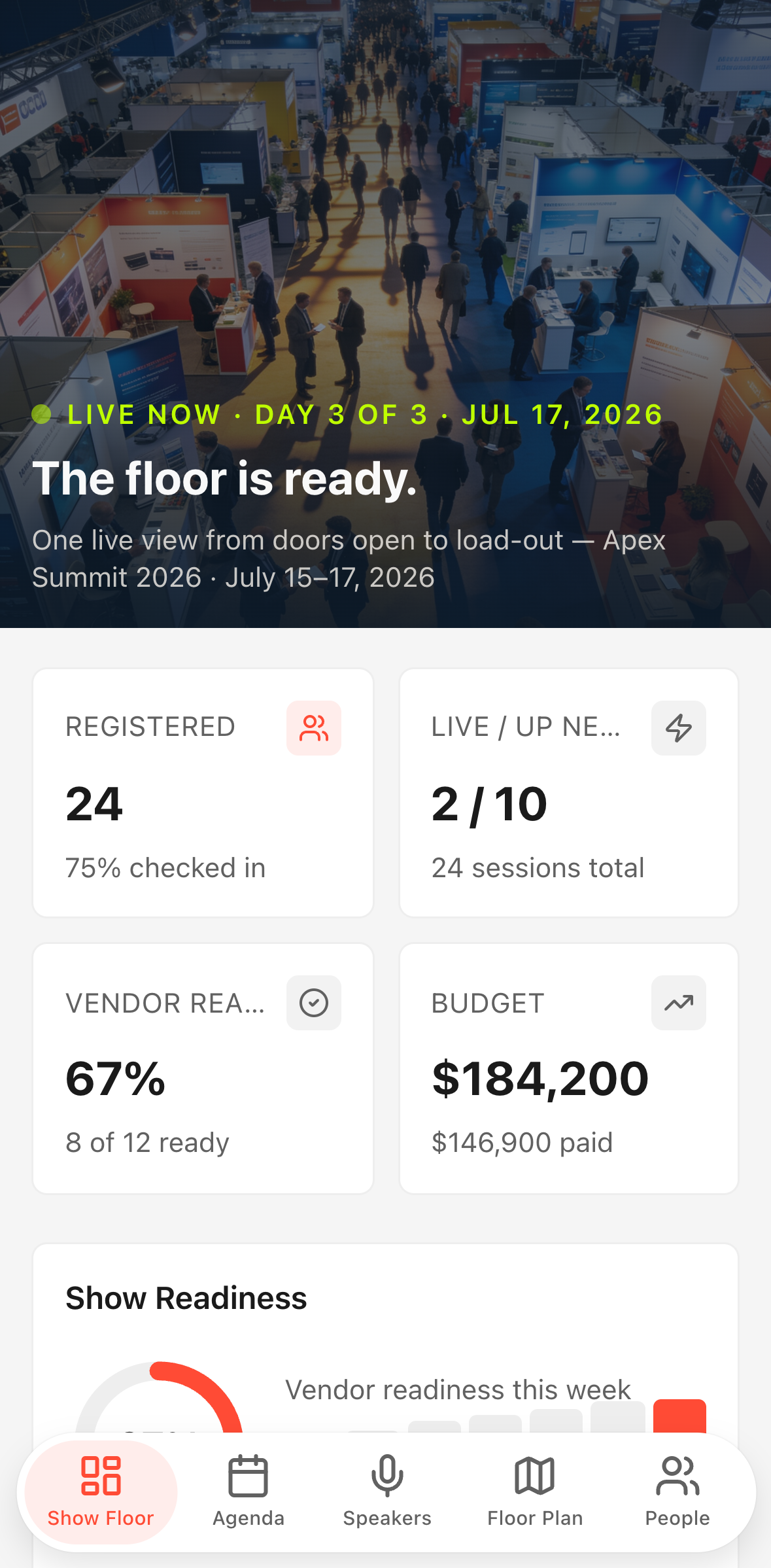

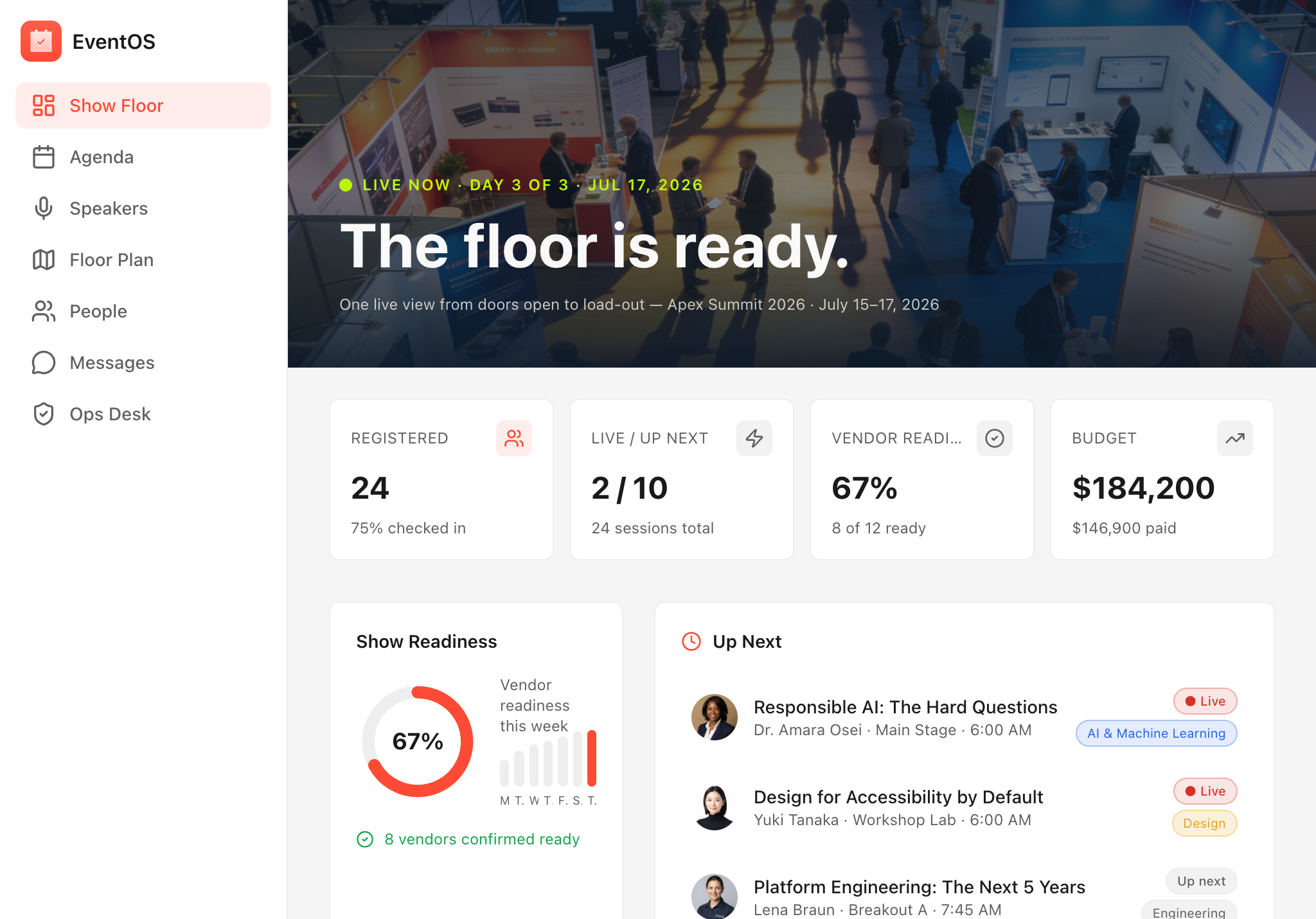
Overview
The problem every event team knows
Running a multi-day conference means juggling a dozen moving parts across staff who are all on the floor at the same time. Session rooms go live, exhibitors need check-ins, budget lines creep past committed amounts, and attendees still expect a smooth, personalized experience — all while your team is scattered across a 100,000-square-foot expo hall.
Paper run sheets fall out of date the moment they print. Static PDFs can't tell an attendee which sessions are live right now. Group chats bury urgent ops alerts under a flood of "where's the coffee?" messages.
EventOS replaces all of it.
What EventOS does
Attendee companion
Every attendee gets a personalized show-day view: a live agenda filtered to their saved sessions, a searchable speaker directory, an interactive floor plan with exhibitor booth locations, and a direct-message thread to reach any other registered attendee. Sessions marked Live surface at the top automatically so no one misses a keynote.
Organizer ops desk
Your back-of-house team sees the same data, with extra depth. The Ops Desk surfaces open tasks by show phase — pre-show setup, live floor, load-out — alongside a real-time budget tracker that flags lines nearing their committed ceiling. Exhibitor health cards highlight booths marked at-risk or pending so your account team always knows where to focus.
AI-powered actions — built in, no setup required
Build session brief — available on every session detail page. Supply the session title, abstract, speaker bio, and any moderator notes, and EventOS generates a concise, moderator-ready brief in seconds: talking points, audience context, and a suggested Q&A opener. Moderators arrive prepared; speakers feel supported.
Draft attendee intro — available on every attendee detail page. Supply the attendee's role, stated interests, and the type of connection they are looking for, and EventOS drafts a short, natural networking opener tailored to that person. Attendees break the ice faster; your event's connection rate climbs.
Built for the whole team
- Conference directors get a live dashboard: sessions in progress, tasks by phase, budget burn, and exhibitor status — all without leaving the app.
- Floor staff work from the same task list in real time; completing a task updates the view for everyone instantly.
- Speakers and moderators use session briefs generated in one tap instead of hunting through email threads.
- Attendees save sessions, find booths on an interactive map, message each other directly, and always know what is happening right now.
What comes in the box
- Agenda with live/upcoming/completed session states and per-attendee save tracking
- Speaker directory with bios and session links
- Interactive SVG floor plan with exhibitor booth overlays
- Attendee directory with direct messaging
- Ops Desk: task board (by show phase), exhibitor health tracker, and budget line monitor
- Two AI actions: session brief generator and attendee intro drafter
- Seeded with a realistic three-day conference — 24 sessions, 12 speakers, 12 exhibitors, 24 attendees — so the template is immediately explorable out of the box