July 28, 2026
Introducing Integrations: Connect Glide to 1,000+ tools
Your GlideOS apps can now connect directly to the tools your business already runs on — over 1,000 tools to be precise.
Tell Glide what you need in plain language, like pulling customer records from Salesforce or sending a Slack message when a row updates. Glide matches the request to the right service and builds the connection into your app.
Connect to integrations in two ways
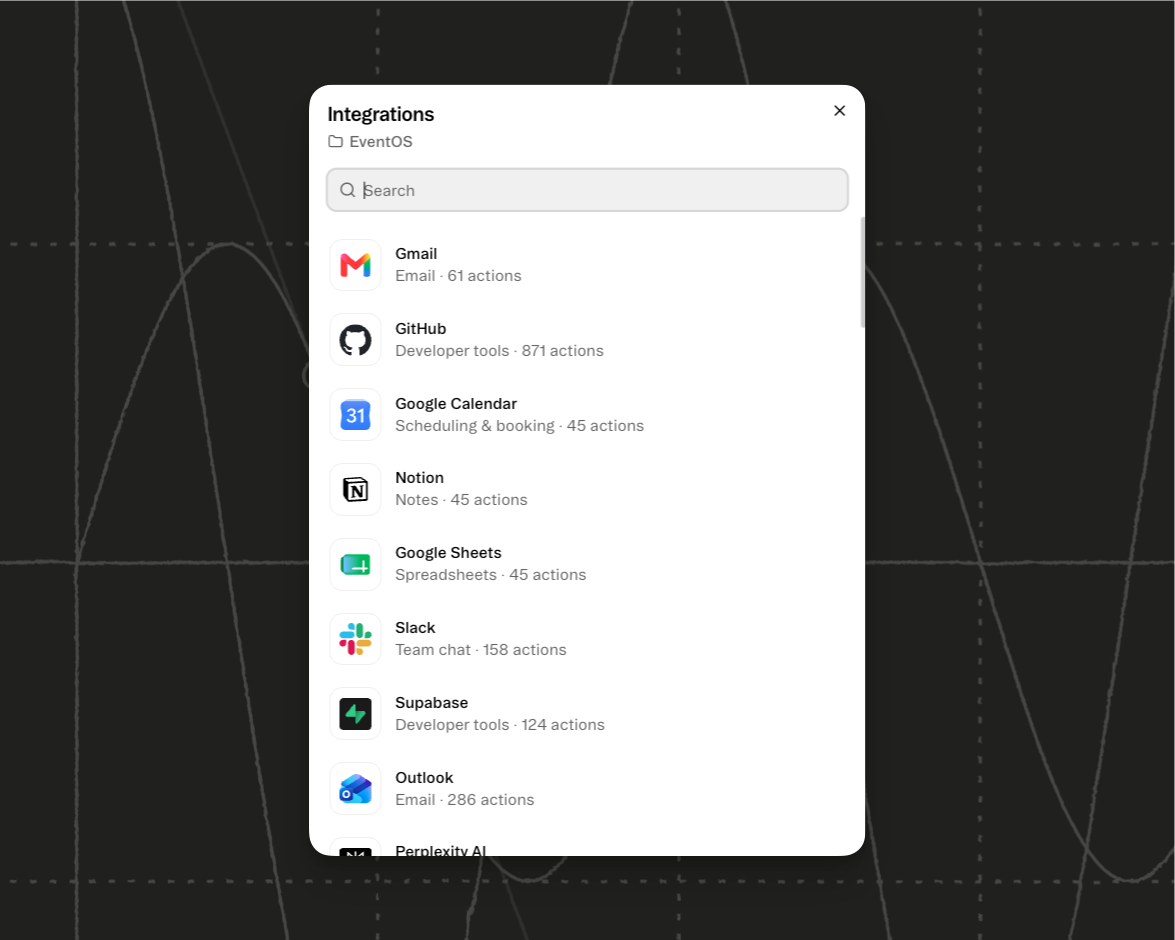
From the project screen: select the plus sign next to Integrations, search for the service you need, and choose Connect.
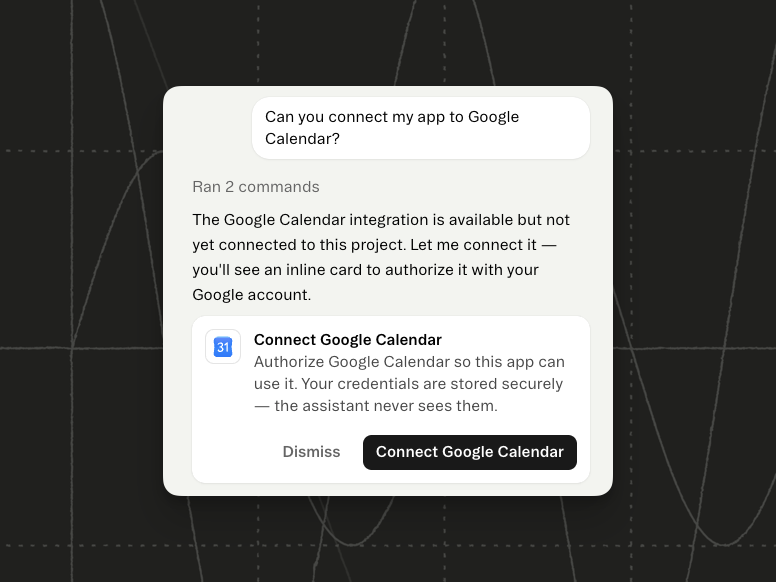
From chat: describe the task, and if your project doesn't have that connection yet, GlideOS posts a card offering to set it up.
Every integration you connect shows up in the Integrations section of that project, marked Connected. Open it to refresh the connection or remove it.
Workflows & Integrations: A power-couple
These two features are strong on their own, but when paired together they are a force to be reckoned with. Workflows can now start from an integration event, or include integrations as part of workflow steps. Just chat with GlideOS to create workflows that use Integrations, or trigger off of them. It will walk you through the setup.
Read Documentation